
Ever wondered if your desktop can keep up with a hectic workday? Dell desktops are built to boost your productivity, no matter what you do. They offer options for everyday tasks, creative editing, or even the demands of gaming. Think of them like a reliable car that’s ready for both daily errands and performance runs when you need extra power. In this review, we break down Dell’s models, key features, and pricing to help you pick the right system for your professional setup.
Dell Desktop Computers: Overview of Models, Features, and Pricing
Dell desktops offer something for every user. Each system is built with a clear purpose. Whether you need a reliable work computer, a machine for creative editing, or a setup that can handle immersive gaming, Dell has a model for you. Think of it like choosing a car: you want a dependable ride for everyday use but also options that deliver performance and comfort when you need them.
- Optiplex
- XPS
- Inspiron
- All-in-One
- Small Form Factor
- Gaming
Prices range from about $350 to over $2,500, fitting a wide range of budgets. For example, basic Inspiron models give you the power you need for web browsing and document editing at a friendly price. Office users and small businesses often lean toward the Optiplex series because it delivers steady performance in a professional setting.
If you’re after premium performance with room to upgrade, the XPS series stands out. It features high-end components and a sleek aluminum design, making it great for content creation and heavy multitasking. For those with limited desk space, the All-in-One and Small Form Factor options pack enough power into compact designs for home offices. Gaming desktops, meanwhile, come with NVIDIA graphics and simple upgrade paths to keep pace with modern games and multimedia tasks. Each line is designed to boost workplace efficiency while meeting different performance needs and budgets.
Dell Optiplex Series: Business Performance and Reliability
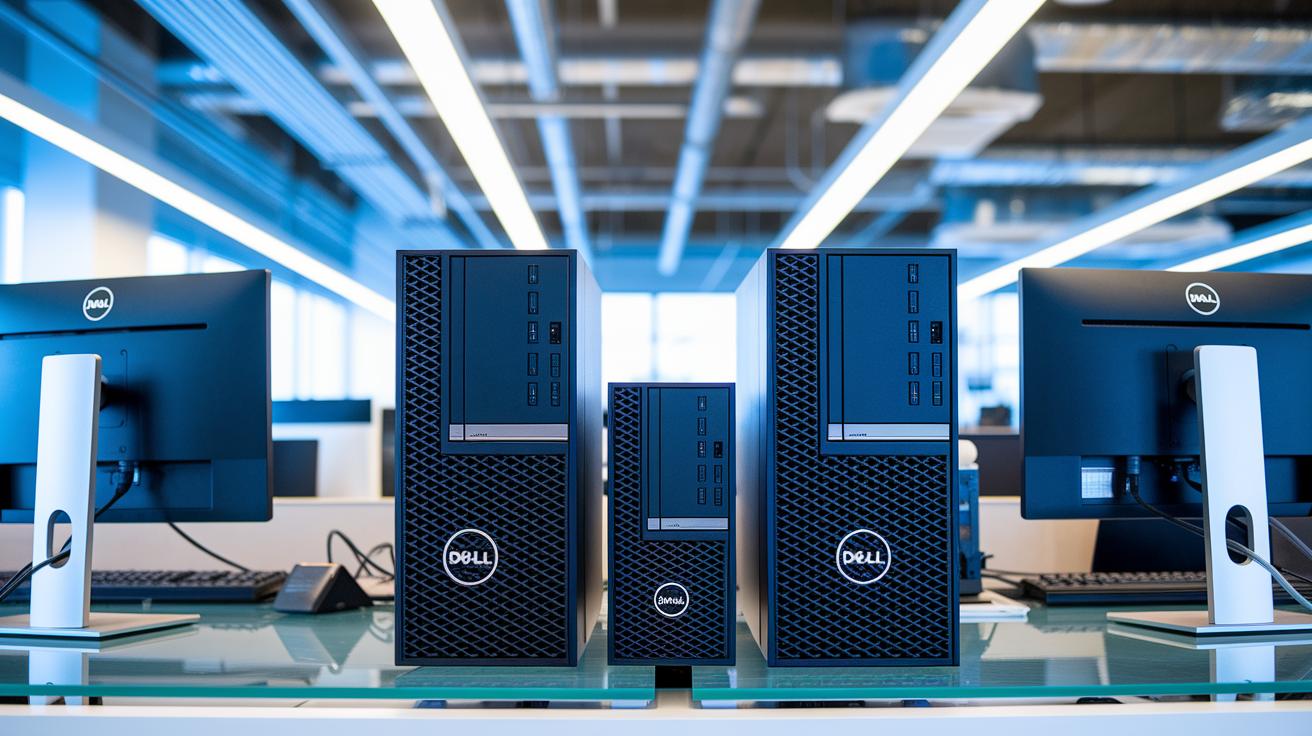
Dell Optiplex desktops are built for business settings where steady performance and minimal downtime matter. They come in Tower, Small Form Factor, and Micro versions to suit different office spaces, from open work areas to tight cubicles. These systems run on Intel 10th–13th Gen Core CPUs paired with Windows 11 Pro, ensuring you get smooth performance and easy integration with your corporate software.
Inside the series, you'll find flexible configurations tailored to various business needs. Standard models offer reliable memory options, and you can even choose ECC (error-correcting code) memory to help prevent data errors. Storage choices include fast SSDs and spacious HDDs, and the tool-less design lets you perform upgrades or routine maintenance quickly, cutting down on office downtime.
Managing these systems is straightforward. The Dell Client Command Suite lets IT teams update and troubleshoot remotely across many devices. With ENERGY STAR certification for energy efficiency and built-in security features, the Optiplex series delivers a practical mix of strong performance, easy maintenance, and lower operating costs.
Dell XPS Desktop Computers: Expandable Performance and Customization
Dell's XPS desktops feature a premium aluminum chassis that immediately signals quality. The tool-less design makes it easy to open up and work on your system, allowing upgrades of the Intel Core i9-13900K and options for powerful GPUs like the NVIDIA GeForce RTX 4080 or RTX 4090. With four DDR5 slots (up to 128GB) and several M.2 and SATA bays, these desktops combine high performance with a sleek look and customizable RGB accents. Fun fact: You can swap out the graphics or memory in just minutes, much like upgrading parts on a high-end workstation.
A key strength of the XPS lineup is its modular upgrade path. The tool-less entry makes hardware changes simple and fast, so you can easily adapt your system as your needs evolve. The design also features efficient front-to-back airflow that channels cool air directly over key components, helping maintain steady performance even when the system is under heavy load. This cooling setup is especially useful for tasks like content creation or gaming, where keeping temperatures in check is crucial.
However, there are some trade-offs. While these desktops offer impressive performance and upgrade flexibility, they tend to be pricier than budget alternatives. The sturdy chassis also means a larger footprint, so if you’re short on space, you might need to consider other options.
Dell Inspiron Desktop Computers: Entry-Level Value Assessment
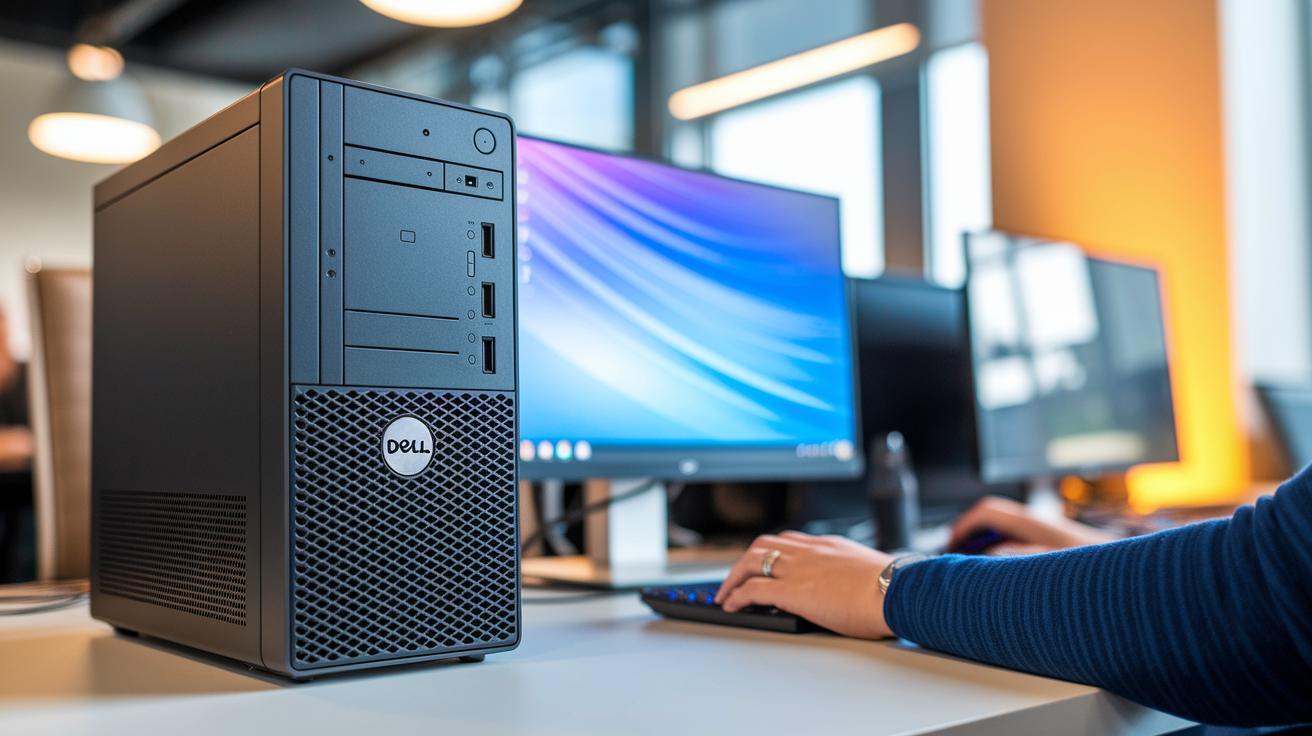
Dell Inspiron desktops provide a budget-friendly solution starting at about $350. They usually come with a choice between Intel Core i3 to i5 (12th Gen) and AMD Ryzen 3 to 5 processors. You also get up to 32GB of DDR4 memory along with options for both HDD and SSD storage to mix speed and capacity. Basic integrated graphics and USB 3.2 ports keep the system simple and effective for everyday tasks. It works like a basic tool kit that gives you exactly what you need without extra frills.
We tested these desktops with everyday workloads such as web browsing, office programs, and light photo editing. They performed smoothly when handling document processing, online research, and video conferencing. In home office or educational settings, they show reliable and consistent performance, even when multitasking. If you need a straightforward and dependable machine for daily productivity, Dell Inspiron desktops offer a practical entry-level option that won’t break the bank.
Dell All-in-One Desktop PCs: Space-Efficient Designs
Dell's All-in-One desktops pack bright, engaging displays into 24 to 27 inch Full HD or 4K touchscreens. These screens make movies and photos pop, while the integrated webcam and speakers deliver clear video calls and rich sound for streaming and conferences. They also include VESA mount brackets and smart cable management channels to keep your workspace neat.
Inside, these systems run on Intel Core i5 to i7 processors with up to 16GB RAM and fast SSD storage. The color-accurate panels (which show colors true to life) make them a good fit for creative work, whether you're editing images or watching videos. This design offers a solid mix of everyday office performance and content creation capability.
Pros include a slim design that fits small spaces and built-in features that help cut down on desk clutter. The main con is limited internal expandability, which can make future upgrades for extra ports or storage more challenging.
Refurbished Dell Desktop Systems: Quality Inspection and Warranty Coverage
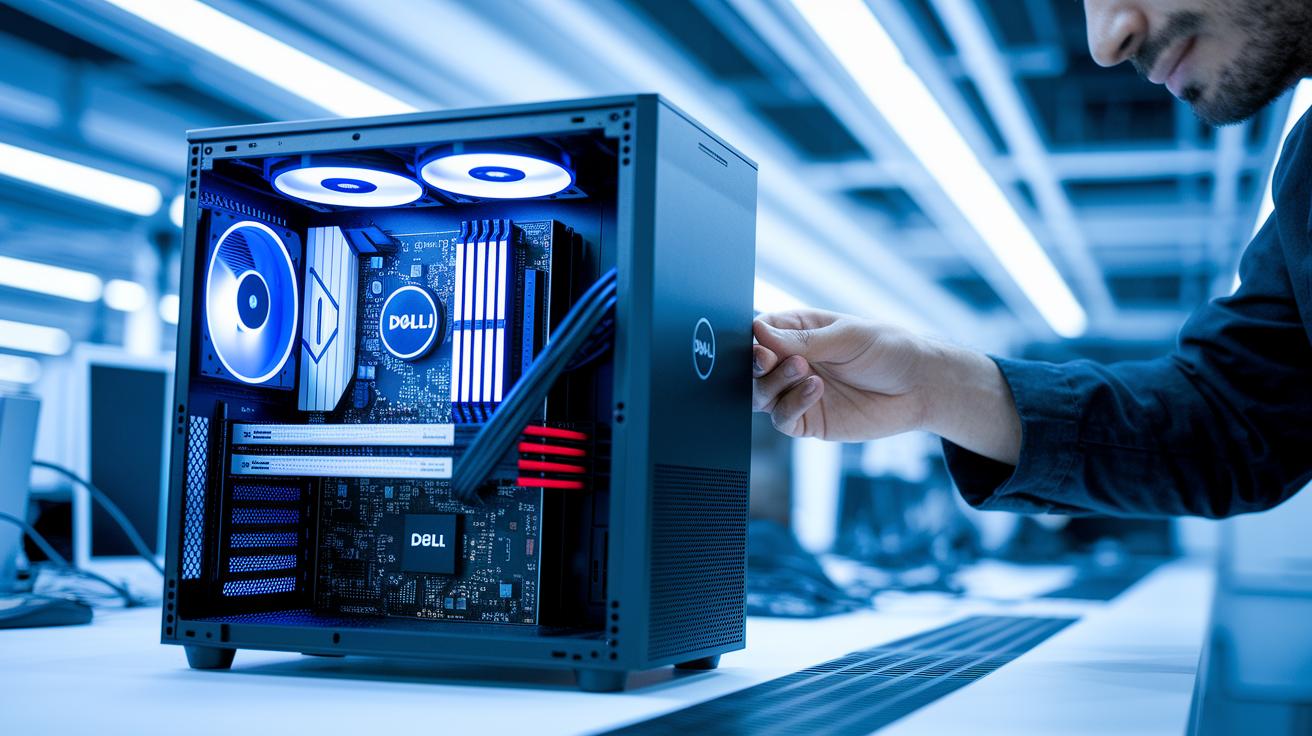
Dell Outlet refurbished PCs get a full, hands-on check-up before they reach you. We test each system in several stages, looking closely at power management (how the system handles energy), thermal performance (how well it manages heat), and stability. If a component doesn't work right, it is replaced with a genuine Dell part, just like a complete health screening to ensure smooth, lasting performance.
Each unit comes with a 1-year warranty and support options to help with any issues that come up. Buyers typically save around 25-30% off the regular price without losing on performance or support. This approach offers a smart, cost-efficient upgrade for anyone looking to boost their workspace.
Dell Desktop Computers Buying Guide: Comparison and Configuration Tips
Dell desktops are built to match different needs. If you work in an office, create content, game, or juggle various tasks, there’s a Dell model that fits your workload. Office users want steady performance and easy management, while creative pros need fast processing and strong graphics. Gamers and multitaskers should look for systems that handle heavy graphics and smooth multitasking. Key specs to compare include processor speeds (like Intel 10th–13th Gen or Ryzen 5000), memory between 8GB and 64GB, storage options from 256GB to 2TB SSD, and graphics power that ranges from built-in chips to an RTX 4090. Form factor and pricing also help decide which model fits your budget.
| Use Case | Recommended Series | Price Range | Key Specs |
|---|---|---|---|
| Office | Optiplex SFF | $500–800 | Core i5, 8GB, 256GB SSD |
| Content Creation | XPS | $1,200–2,000 | Core i7, 16GB, RTX 3060 |
| Entry-Level | Inspiron | $350–600 | Core i3, 8GB, HDD+SSD |
| All-in-One | AIO | $600–1,200 | Core i5, 12GB, iGPU |
Before making a decision, think about future upgrades. Adding more RAM (memory) or extra storage can boost performance over time. And if your work leans more toward high-resolution video editing or demanding games, investing in a dedicated GPU (a separate graphics card) might be a smart move. This means you can set up your desktop to work well today and still grow with your future projects.
Final Words
In the action, we explored Dell’s desktop lineup, highlighting models like Optiplex, XPS, Inspiron, All-in-One, and even quality refurbished systems.
We broke down core features, performance specs, and price ranges so you can match the right system to your needs.
From business tasks to creative projects and gaming, our review details upgrade options and real-world benefits.
Overall, dell desktop computers continue to deliver reliable performance and value, ensuring a positive upgrade for any workspace.
FAQ
Q: What’s the best Dell desktop computer to buy?
A: The best Dell desktop computer to buy depends on your needs; XPS suits power and expandability, Optiplex offers business reliability, Inspiron covers everyday tasks, and all-in-ones provide a compact solution.
Q: Are Dell desktop computers any good?
A: Dell desktop computers deliver reliable performance with options for business use, creative work, gaming, and everyday tasks, offering models that balance performance, efficiency, and ease of use.
Q: What is the best Dell computer?
A: The best Dell computer varies by user needs; performance-driven users may opt for the XPS lineup while business-oriented users favor the stable, secure Optiplex series.
Q: Is HP better or Dell better?
A: Comparing HP and Dell depends on preferences; Dell offers diverse desktop options from high-performance to space-saving designs, so the better choice hinges on your specific performance and design needs.
Q: What are Dell desktop models?
A: Dell desktop models range from business-focused Optiplex, premium XPS, everyday Inspiron, integrated-display all-in-ones, compact small form factors, to gaming-oriented systems, catering to varying user requirements.
Q: What does Dell Desktop i7 refer to?
A: Dell Desktop i7 refers to systems equipped with Intel Core i7 processors, designed to balance strong performance and efficient multitasking for productivity, creative tasks, and moderate gaming.
Q: Do Dell desktop computers come with Windows 11?
A: Dell desktop computers often come with Windows 11 pre-installed, providing the latest security features, a modern interface, and smooth operation for both professional and personal use.
Q: What defines Dell Desktop All-in-One systems?
A: Dell Desktop All-in-One systems combine a built-in display with the computer components in one unit, resulting in a space-saving design ideal for home offices and multimedia tasks.
Q: What is special about the Dell Desktop XPS 8960?
A: The Dell Desktop XPS 8960 is noted for its high-performance design, customizable chassis, and tool-less entry, making it a strong contender for creative work, gaming, and demanding computing tasks.
Q: What does the future hold for new Dell desktop computers and business models?
A: Dell’s new desktop computers are engineered for evolving business needs, with enhanced performance, improved security, and refined design aimed at meeting the demands of 2025 and beyond.
Q: How do Dell desktops and laptops compare in their offerings?
A: Dell offers a variety of desktops—from towers, all-in-ones, to small form factors—uniquely designed for performance and workspace efficiency, while its laptops provide mobility without sacrificing power.
