
Rethink your workspace with an ultrawide monitor. These screens give you up to 33% more space than standard displays, making multitasking feel like using two monitors without the extra clutter. The curved panels help guide your eyes smoothly across the screen, reducing strain during long work sessions or gaming marathons. We tested these features and found that ultrawide monitors not only boost productivity but also create a more immersive entertainment experience.
ultrawide monitor: Bold Design, Smart Features
Ultrawide monitors are screens that are much wider than typical 16:9 panels, making them great for both work and play. They come in sizes like 34" (3440×1440) and up to 49" (5120×2160) with aspect ratios of 21:9 or even 32:9. That extra width, up to 33% more than standard monitors, lets you keep several windows open at the same time without needing to switch back and forth. It’s like having two monitors in one smooth display.
Many of these monitors feature a curved design with curvature radii ranging from 800R (for example, the LG UltraGear 34GS95QE) to 1800R (like the Samsung Odyssey OLED G9). This curve follows the natural shape of your eyes, so you don’t have to move your head as much, which increases your immersion in games or video editing. On the other hand, flat ultrawide monitors are a solid choice for multi-monitor setups or tasks where precise alignment is key.
These panels work wonderfully for immersive gaming, giving you a wider field of view and drawing you into the action. They are also strong performers for productivity tasks like coding or working with spreadsheets because the extra space helps you organize more content. Creative professionals find them beneficial too, with enhanced color accuracy and plenty of room for detailed photo or video work.
Imagine a workspace where everything fits neatly together, a digital canvas that truly expands what you can achieve.
Technical Specifications & Display Comparisons for Ultrawide Monitors
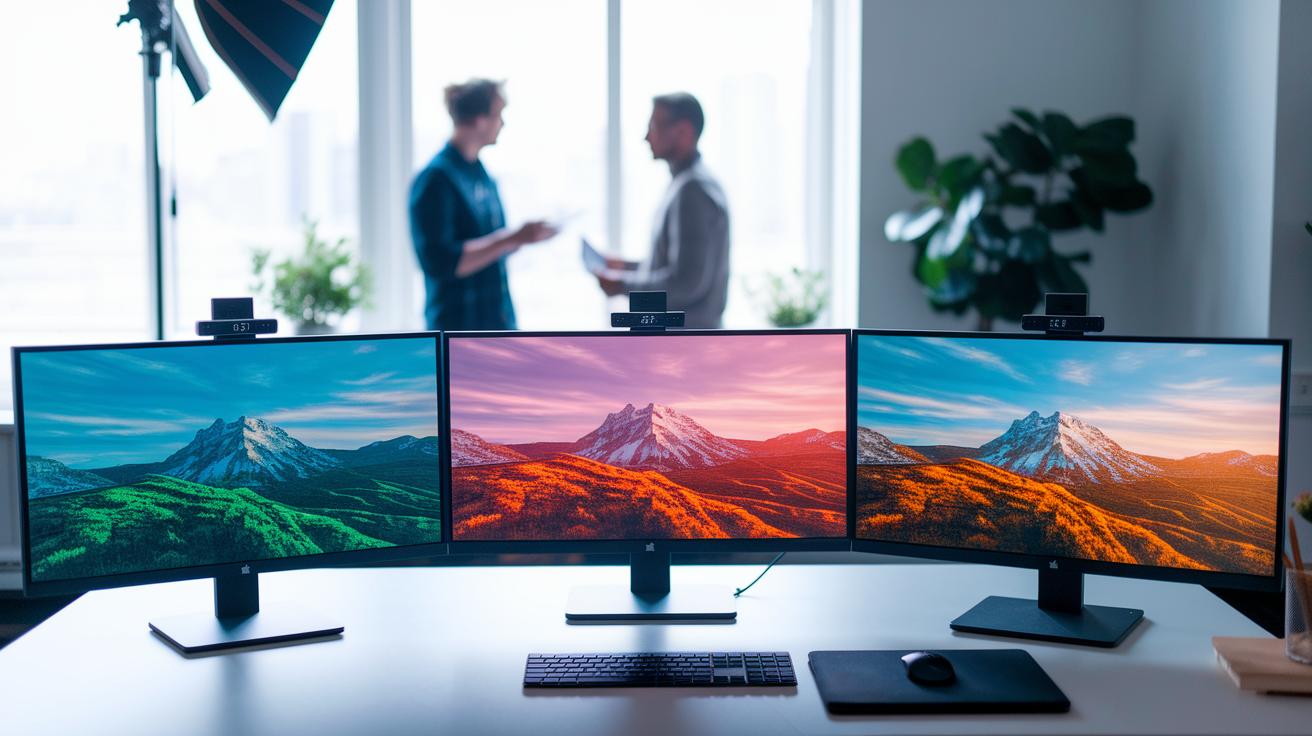
When checking out ultrawide monitors, resolution plays a big role in how sharp the picture looks. Many 34-inch screens use a 3440×1440 resolution, which works well for everyday tasks and creative projects. Larger monitors, from 40 inches to 49 inches, can offer up to 5120×2160 resolution, giving you extra space and sharper details that are handy for immersive editing work. For example, the Dell U3425WE hits 3440×1440 and features high contrast with full sRGB color coverage, making it a great pick for creative professionals.
Refresh rate is another key point. Most panels run at 60 Hz, which is enough for regular work and casual use. But gamers might look for higher rates. The LG 45GX990A, for instance, ramps up from 165 Hz to a dynamic 330 Hz to keep fast-paced action smooth. Similarly, the Dell Alienware AW3423DWF maintains a steady 165 Hz with OLED performance that cuts down on input lag (the time between your action and the screen's response) for clear, crisp motion.
Contrast and color accuracy can vary, too. The Dell U3425WE stands out with excellent contrast that delivers deep blacks and bright highlights. On a tighter budget, the Asus ProArt PA34VCNV may trade some peak contrast, but it still gives reliable color performance that works well for design.
Connectivity matters a lot as well. The HP E45c G5, for example, offers dual USB-C ports that provide 100 W power delivery along with Ethernet, DisplayPort, and HDMI. However, keep in mind that its HDMI port might not handle full resolution at 120 Hz as well as USB-C or DisplayPort do.
These specs show the trade-offs between different models, helping you decide whether you need a monitor for gaming, work, or creative pursuits.
Gaming Wide-Screen Experience on Ultrawide Monitors
Ultrawide monitors take gaming to the next level by offering a broader view and strong performance. We tested the Dell Alienware AW3423DWF, and its 165 Hz OLED panel combined with near-instant input lag really stands out. When you press a key or button, the response is almost immediate, crucial for fast shooters and strategy games where every millisecond counts. In fact, pro gamers say that even a few extra milliseconds can decide the outcome during intense moments.
The Corsair Xeneon 34WQHD240-C also makes a solid case with its smooth visuals and adaptive sync support. Its 34″ QD-OLED screen runs at 144 Hz and supports both G-Sync Compatible and FreeSync Premium, so you get a tear-free, fluid gaming experience. This makes it a great choice if you need a display that can handle long gaming sessions as well as detailed work.
Then there's the LG UltraGear 34GS95QE, which features an 800R curve that wraps the game around you for a more immersive feel. For an even wider field of view, the Samsung Odyssey OLED G9 stretches 49″ with a 32:9 aspect ratio and an 1800R curve. While it comes at a higher price, it provides a cinematic experience that can really draw you into the game.
Overall, these monitors show how a wide-screen setup can blend high refresh rates, low input lag, and curved designs to boost your gaming experience.
Productivity & Multitasking with Ultrawide Monitors
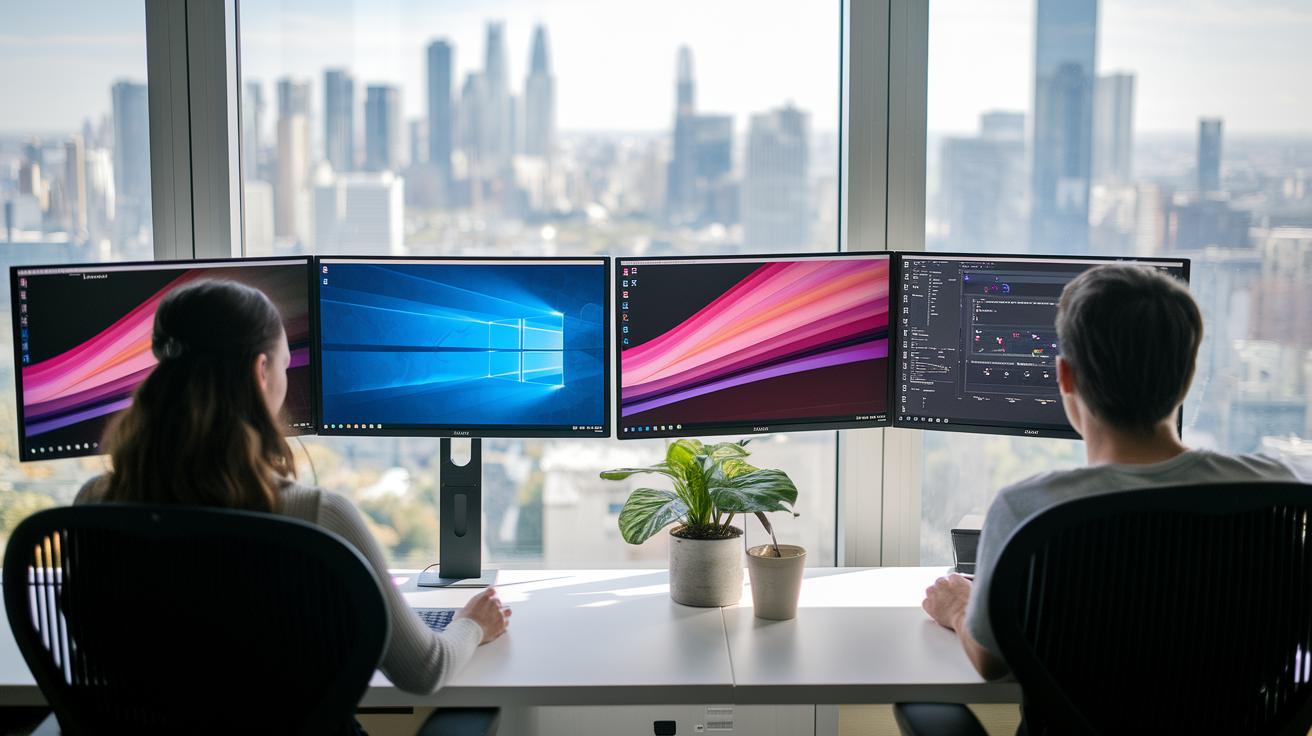
Ultrawide monitors can change how you work by giving you a much larger screen. They let you run several applications side by side so you can be more productive. For example, the Dell UltraSharp U3425WE stands out with its clear contrast and plenty of ports. This makes it easy to split your screen between design tools and data. Imagine working on a detailed spreadsheet while keeping your email and design software in view, it feels like you have two displays in one. Fun fact: A 34-inch ultrawide monitor offers up to 33% more workspace than a standard screen, which really makes multitasking simple.
The HP E45c G5 raises the bar with its 45-inch curved design, full sRGB color accuracy (explaining that sRGB is the standard color space for most content), and dual USB-C ports that deliver up to 100 W along with Ethernet support. This model works well for teams that need a reliable office monitor with lively color. If you need extra precision for color-critical tasks, the Dell U3824DW is a solid choice with its 38-inch IPS Black panel and full sRGB coverage. It is designed to ease the strain during long design sessions.
- Virtual partitioning, like that found on the Philips Brilliance 499P9H, helps manage multiple devices at once.
- A wide array of connectivity options allows you to hook up all your essential peripherals.
- The curved design guides your focus naturally across the screen, which can help reduce eye strain.
These ultrawide monitors boost productivity by streamlining multitasking. Whether you're coding, managing spreadsheets, or editing high-resolution images, their generous workspace and robust connectivity make them a smart choice for any workstation focused on efficiency and ease of use.
Ultrawide Monitor Design Differences
Curved screens, such as the LG UltraGear 34GS95QE (800R), Samsung Odyssey OLED G9 (1800R), and HP E45c G5 (1000R), offer a natural viewing distance that eases eye movement and helps reduce neck tiredness. Studies show that a curved design promotes a more relaxed posture during long sessions. For example, when editing videos, users may find that content feels closer and more connected, which lessens neck strain.
Flat screens like the Dell UltraSharp U4025QW (40″, 5120×2160) and Asus ProArt PA34VCNV (3440×1440) deliver a straight-edged view that works well for tasks such as coding or trading, where aligning multiple displays is important. This design is especially useful in workspaces that require precise monitor arrangements.
Our tests in offices and design studios confirm that curved monitors boost immersion and comfort for single-display setups, while flat panels are ideal in mixed, multi-monitor environments.
- Curved design: better visual comfort, less neck strain, and a more immersive feel
- Flat design: consistent geometry, easier to line up in multi-monitor setups, and versatile for various tasks
Ultrawide Monitor Buying Guide: Key Considerations & Tips
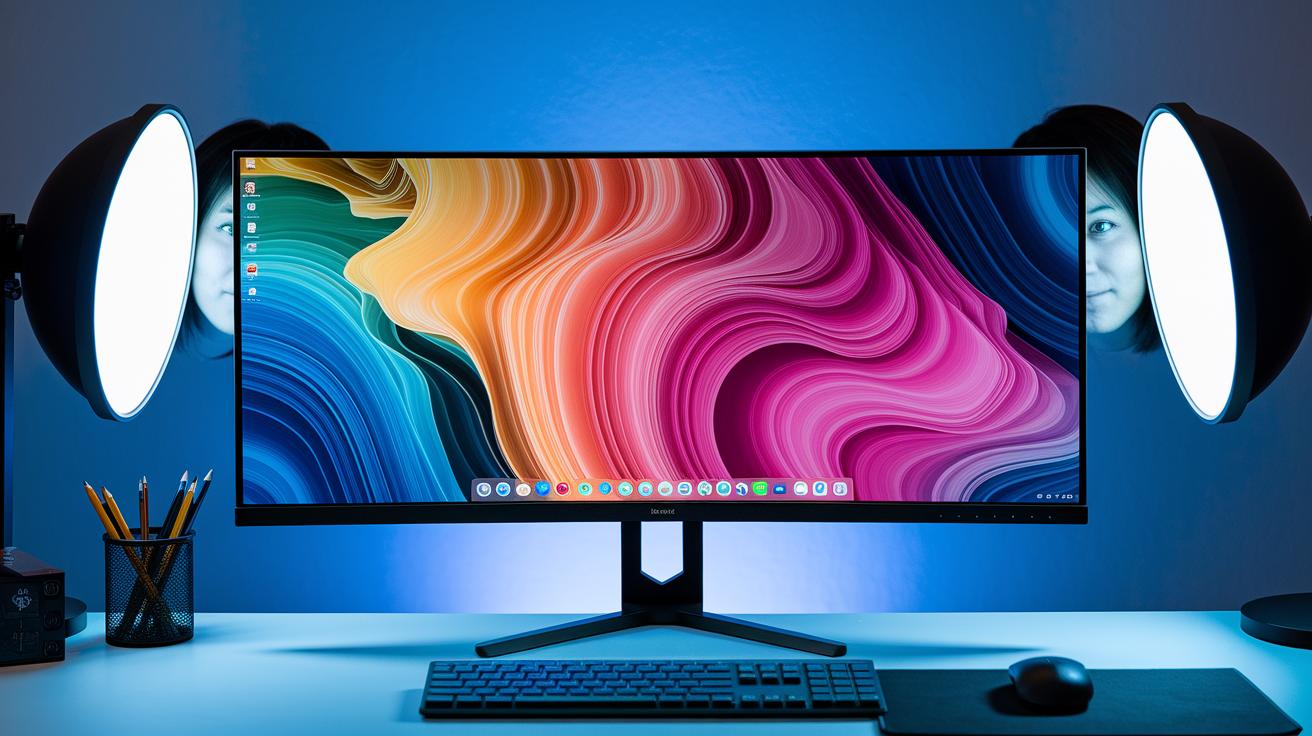
When you’re shopping for an ultrawide monitor, it pays to balance features based on what you use daily. Start by checking the resolution and aspect ratio. Higher resolutions like 3440 x 1440 or 5120 x 2160 work great for video editing or multitasking, giving you sharper detail and extra screen space. In our tests, models with full sRGB coverage and strong contrast proved essential for design work.
For gamers, refresh rates and response times make a big difference. A monitor with a refresh rate of 144 Hz or more keeps motion smooth during fast-paced games. We noticed that even a small difference in frame display can feel like switching from a slideshow to live video.
If you use your monitor for creative work, calibration is key. Some models, like the Dell U4025QW, include built-in software or LUT functions (Look-Up Table, which adjusts colors) to fine-tune accuracy. So if precise color is critical, pick a monitor that supports easy calibration.
Connectivity is also important. We recommend choosing monitors with USB-C PD and DisplayPort options rather than relying solely on HDMI. This setup helps you get the full benefit of high resolution and fast refresh rates, especially if you connect multiple devices or power-hungry laptops.
Ergonomics should not be overlooked. Look for monitors that offer tilt, height, and swivel adjustments. Note that some larger stands, like those found on certain Asus ProArt models, might not fit well on smaller desks.
Finally, keep your budget in check. Prices can start around $870 and go above $2,000 for models with extra features. Also, check the warranty and support options, top-tier brands often provide up to 3 years of coverage.
Key factors to check include:
| Factor | Example |
|---|---|
| Resolution & Aspect Ratio | 3440 x 1440, 5120 x 2160 |
| Refresh Rate & Response Time | 144 Hz+, fast response |
| Panel Type & Color Accuracy | IPS, OLED |
| Curvature & Screen Size | Depends on design |
| Connectivity | USB-C, DisplayPort, HDMI |
| Ergonomics & Stand Adjustability | Tilt, height, swivel options |
Top Ultrawide Monitor Models Reviewed for 2025
We put eight standout ultrawide monitors to the test, making sure to cover a range of uses from budget-friendly options to top-notch gaming displays and professional monitors. We focused on what matters: performance, design, and value for money.
Take the Dell UltraSharp U3425WE, for example. It shines with reliable contrast, plenty of ports, and overall strong performance on a 34″ screen with a 3440×1440 resolution, 120 Hz refresh rate, and a 1000R curve. On the other hand, the Asus ProArt PA34VCNV offers a more wallet-friendly pick for designers. It might come with a flat screen, but it still delivers clear and accurate images.
If you need even more space, the Dell UltraSharp U4025QW boasts a huge 40-inch display and a crisp 5120×2160 resolution. For smooth, high-speed action, the Alienware AW3423DWF stands out with a 165 Hz OLED panel that makes gaming feel fluid. Similarly, the LG 34GS95QE uses an 800R curve to pull you into immersive audio-visual scenes whether you’re gaming or watching movies.
Other models offer unique experiences too. The Samsung OLED G9 impresses with a 49-inch ultrawide format that sports a 32:9 aspect ratio and an 1800R curve, crafting a near-cinematic view despite a more modest refresh rate. The HP E45c G5 combines productivity and creative work on a 45-inch curved display with user-friendly connectivity. Finally, the Corsair Xeneon 34WQHD240-C rounds out our list with a 34-inch QD-OLED panel, delivering steady 144 Hz performance for competitive gaming.
| Model | Size & Resolution | Refresh Rate | Curvature | Price |
|---|---|---|---|---|
| Dell UltraSharp U3425WE | 34″ 3440×1440 | 120 Hz | 1000R | $1,099 |
| Asus ProArt PA34VCNV | 34″ 3440×1440 | 60 Hz | Flat | $899 |
| Dell UltraSharp U4025QW | 40″ 5120×2160 | 60 Hz | Flat | $2,099.99 |
| Alienware AW3423DWF | 34″ 3440×1440 | 165 Hz | Curved | $1,199 |
| LG 34GS95QE | 34″ 3440×1440 | 144 Hz | 800R | $1,499 |
| Samsung OLED G9 | 49″ 5120×1440 | 60 Hz | 1800R | $949.99 |
| HP E45c G5 | 45″ 3440×1440 | 60 Hz | Curved | $1,599 |
| Corsair Xeneon 34WQHD240-C | 34″ 2560×1440 | 144 Hz | Curved | $1,698 |
Final Words
In the action, we broke down what makes an ultrawide monitor a robust choice for gaming and productivity. We reviewed core specs, compared curved versus flat designs, and explained how these screens boost multitasking and immersive play. We also listed key buying factors and top models for 2025. Our review blends hands-on data with practical recommendations, helping you choose with confidence. Enjoy the enhanced workspace and smooth gaming experience an ultrawide monitor brings to your setup.
FAQ
What is a 49-inch ultrawide monitor?
A 49-inch ultrawide monitor offers an expansive display with extra horizontal workspace, making it ideal for multitasking, immersive gaming, and productivity tasks by providing a broad field of view.
What does a curved ultrawide monitor offer?
A curved ultrawide monitor enhances immersion and viewing comfort by following the natural curve of the eyes, reducing strain and creating a more engaging experience during extended use.
How is the ultrawide monitor discussion on Reddit?
Discussions on Reddit about ultrawide monitors feature real-world user experiences, honest performance reviews, and valuable setup tips that help inform buyers about the strengths and tradeoffs of various models.
What defines the best ultrawide monitor?
The best ultrawide monitor balances high resolution, fast refresh rates, and effective connectivity with an ergonomic design and reliable performance, ensuring it meets gaming, productivity, or creative needs.
What are the benefits of a 34-inch ultrawide monitor?
A 34-inch ultrawide monitor offers a compact yet immersive display with 3440×1440 resolution. It fits well on most desks, providing ample space for multitasking while delivering vivid visuals.
What qualifies as the best ultrawide monitor for office work?
The best office ultrawide monitor delivers high color accuracy, robust connectivity like USB-C, and a spacious display to manage multiple applications, making it an effective tool for productivity-focused workflows.
What does an ultrawide 4K monitor offer?
An ultrawide 4K monitor provides an ultra-high resolution display that combines stunning detail with broad screen real estate, ideal for professionals needing precise color accuracy and clear visuals.
What should I know about Dell ultrawide monitors?
Dell ultrawide monitors are praised for their solid build quality, reliable performance, and extensive connectivity options, making them practical choices for both productivity and multimedia applications.
Are there downsides to ultrawide monitors?
Downsides of ultrawide monitors include a larger desk footprint, potential compatibility issues with some games due to their aspect ratios, and a higher cost compared to traditional displays.
What monitor does Elon Musk use?
Reports about Elon Musk’s monitor setup are unconfirmed; although he is known for using high-performance displays, there is no verified information specifying which particular model he uses.
Is 3440×1440 as good as 4K resolution?
The 3440×1440 resolution offers plenty of screen space and clarity but falls short of the pixel density found in true 4K, which is better for applications demanding finer detail and sharper images.
What is an ultrawide monitor?
An ultrawide monitor is a display with a wider aspect ratio, typically 21:9 or 32:9, that provides extra horizontal space to boost multitasking, enhance immersive gaming, and streamline creative workflows.
