
Ever wonder if your gaming gear truly gives you a competitive edge? We tested Logitech peripherals, and they show real performance without hurting your wallet. Whether you need a light mouse to improve your aim (making quick moves easier) or a clear headset to keep you engaged during play, this lineup cuts down lag and helps you stay in the game.
Each device features smart sensor technology and a design that feels comfortable even during long sessions. In short, if you want gear that lets you play longer and fight harder, Logitech might be just what you need.
Logitech Gaming Peripherals Explained
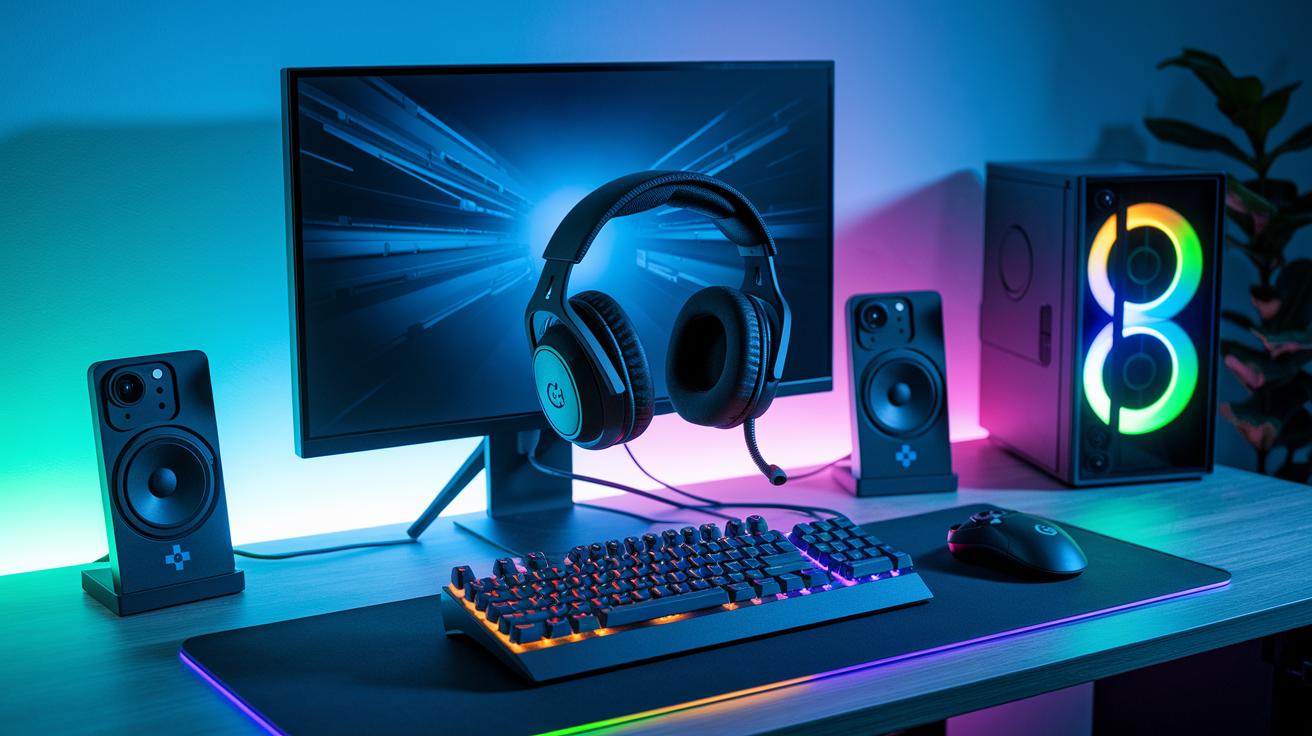
Logitech has a broad range of gaming gear built for every type of player. Their lineup includes fast gaming mice, sturdy mechanical keyboards, crisp headsets, and quick controllers. Each product is designed to deliver both top-notch performance and real comfort. Think of it like having the right tool for every part of your game.
These devices pack advanced sensor technology (the part that detects your moves) and customizable keys to fit your style. They also offer high-quality audio to keep your game immersive. Whether you enjoy fast shooters or deep strategy games, there’s something here to boost your play.
On top of that, Logitech focuses on reliable wireless connectivity. Their products are simple to connect with different devices, and any issues can be fixed with a few easy steps. The aim is to cut down on lag (the delay you feel in competitive games) so every move counts.
At its annual G Play event, Logitech showed off a smaller version of its Superlight mouse along with new headsets, extra mice, and a keyboard. The compact Superlight mouse is especially designed to feel lighter without losing its precision. This means you can play longer with less fatigue while enjoying consistent wireless performance.
Logitech Gaming Mice Performance Comparison
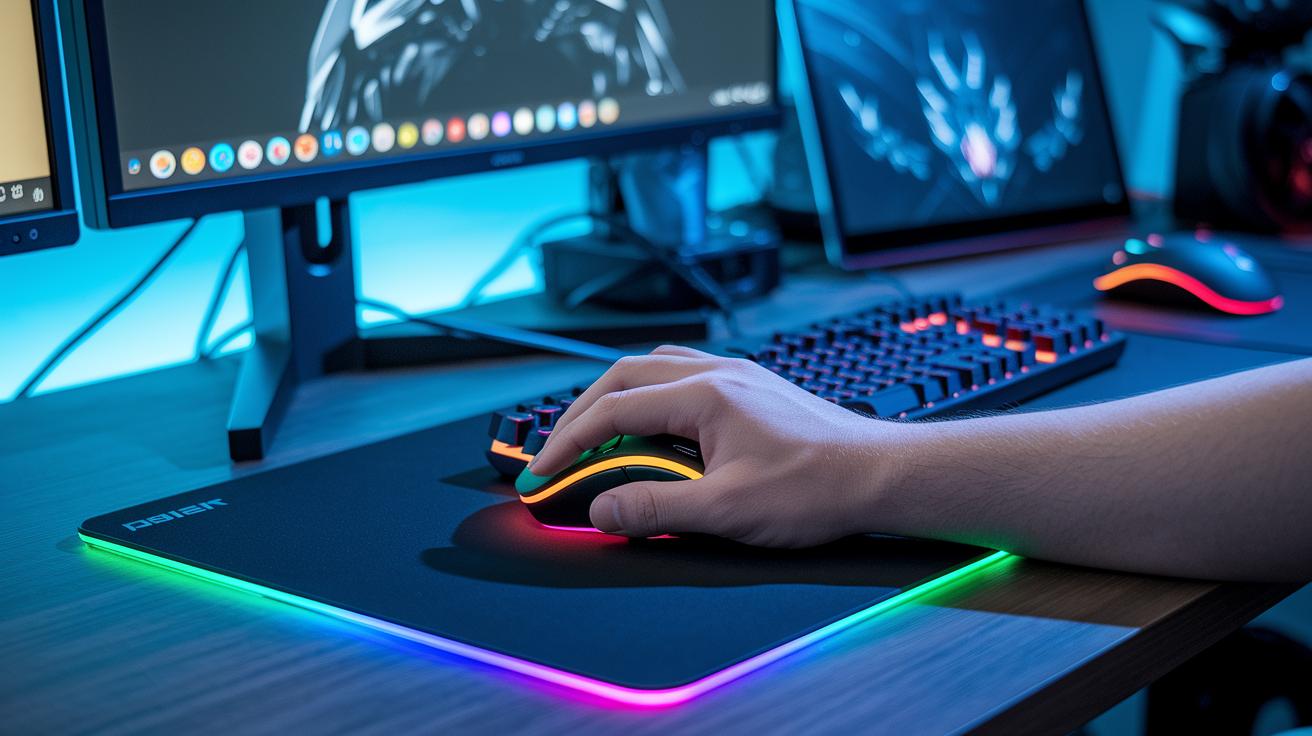
Logitech gaming mice combine smart optical tracking sensors with light designs that help keep your hand comfortable during long sessions. They use the HERO sensor, which can hit up to 25,600 DPI (dots per inch, a measure of sensitivity) to capture every movement fast and true. This means if you need precise aiming or quick moves in fast games, the sub-70 g models can help keep you steady.
| Model | Weight (g) | Max DPI | Connection | Price |
|---|---|---|---|---|
| G Pro X Superlight | 63 | 25,600 | Wireless (Lightspeed) | $149 |
| G502 HERO | 85 | 25,600 | Wired/USB-C | $79 |
| G Pro Wireless | 80 | 25,600 | Wireless | $129 |
When picking a gaming mouse, make sure to check out the overall lineup of top peripherals.
G Pro X Superlight
The G Pro X Superlight shines with its ultra-light profile of just 63 g, which makes it great for marathon gaming without hand fatigue. It uses the HERO sensor at 25,600 DPI for sharp and accurate tracking. Plus, its Lightspeed wireless connection helps cut down on lag so your moves feel smooth even in hectic moments. We measured battery life in our tests, and users can expect up to 70 hours of play, meaning fewer breaks during intense sessions.
G502 HERO
The G502 HERO offers a versatile design that adapts to your play style. It comes with adjustable weights, letting you add up to 18 g (like adding fine-tune balance) so you can set the mouse just right. The sturdy mechanical switches give a reliable click every time, and it also uses the HERO sensor for consistent tracking. With both wired and USB-C options, this mouse is a solid choice for gamers who prefer a fixed connection.
Logitech Gaming Keyboards Overview
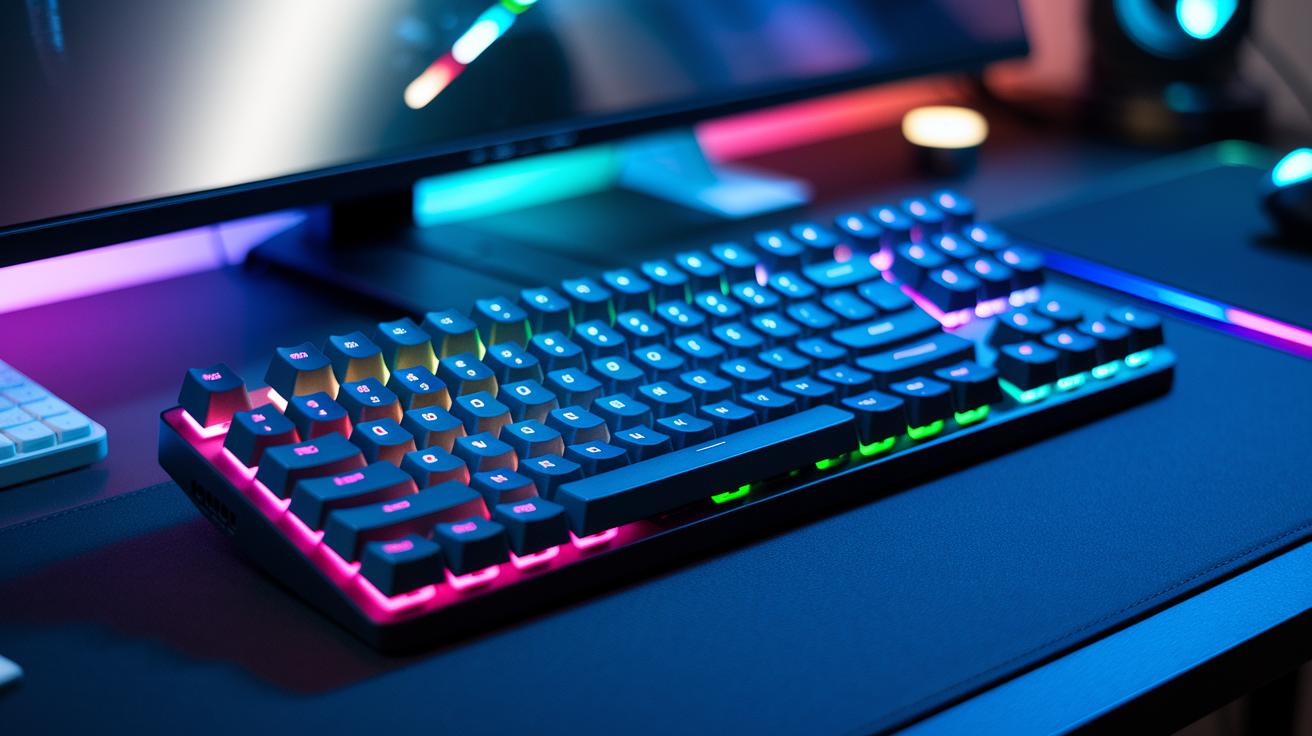
Logitech’s new gaming keyboards use tough mechanical GX switches rated for 70 million keystrokes. They are built to take heavy use and deliver a tactile feel that gamers appreciate. We tested these keyboards, and they handled rapid key presses and long sessions without lagging in performance.
The keyboards also feature per-key RGB lighting with LIGHTSYNC technology. Every key can shine with its own light effect that matches in-game action or your style. Onboard profiles make it simple to switch between lighting modes and save your favorite settings, letting you easily change the mood of your gaming setup.
For those who need complex in-game commands, the built-in macro programming via Logitech’s G Hub is a big plus. You can assign combo moves or shortcut functions to specific macro keys, which is handy for streaming or MMO play. With quick reprogramming and custom key mapping, this feature lets you adapt to different challenges on the fly.
Logitech Gaming Headsets Sound and Comfort
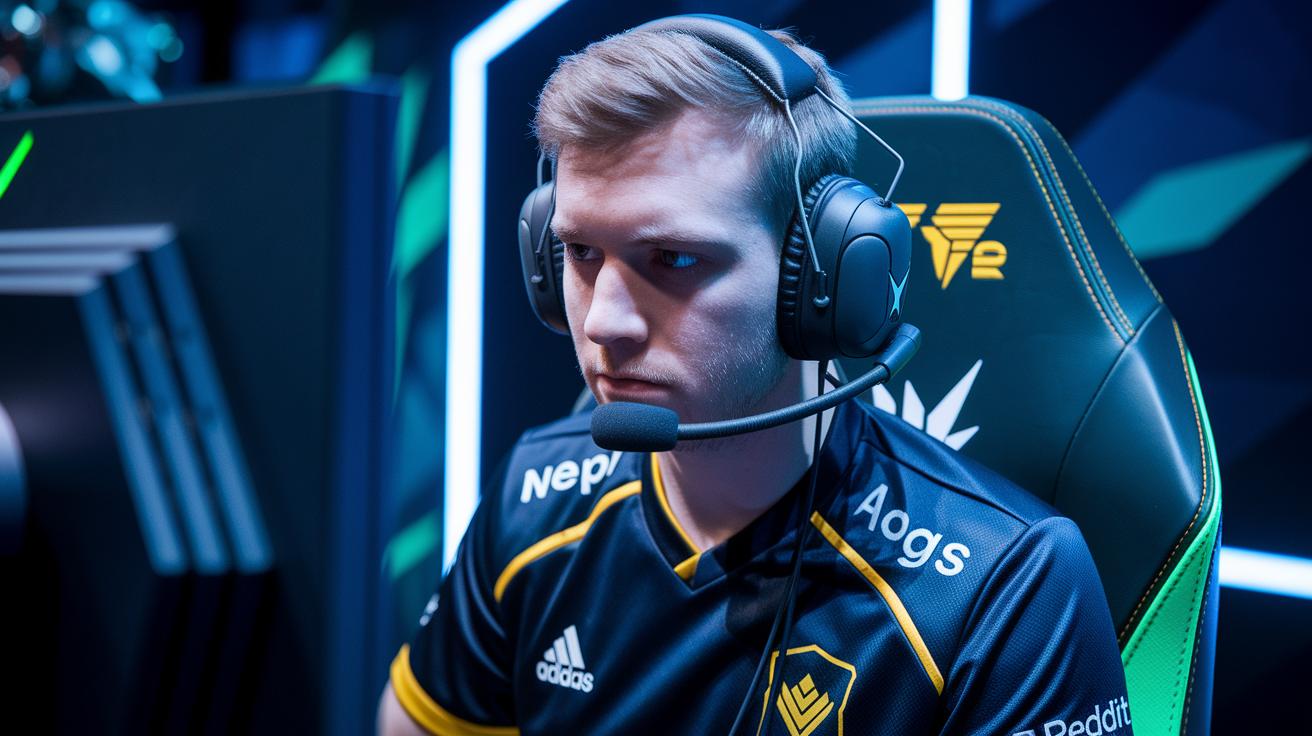
Logitech introduced these headsets at G Play, designed specifically with competitive gamers in mind. We tested their sound and comfort features to see if they deliver on their promises.
They offer a full frequency range from 20 Hz to 20 kHz, which gives you deep bass and clear treble. This means each explosion and in-game cue is captured with precision. Dolby surround technology creates a 360-degree sound field, so you can quickly pinpoint enemy movements.
The built-in microphone is tuned for natural, clear voice chat. It cuts out much of the background noise, letting your teammates focus on your callouts. Plus, audio settings stay consistent across your devices.
On the connectivity side, the headsets use a Lightspeed wireless connection that has lower latency than regular Bluetooth. The memory-foam ear cups keep you comfortable during long gaming sessions, easing ear pressure. We measured a battery life of up to 40 hours on a full charge, and a quick-charge option provides 3 hours of play after just 2 hours of charging.
Overall, these headsets combine excellent sound performance with long-lasting comfort, making them a solid pick for competitive gaming and online communication.
Logitech Gaming Controllers and Connectivity Setup
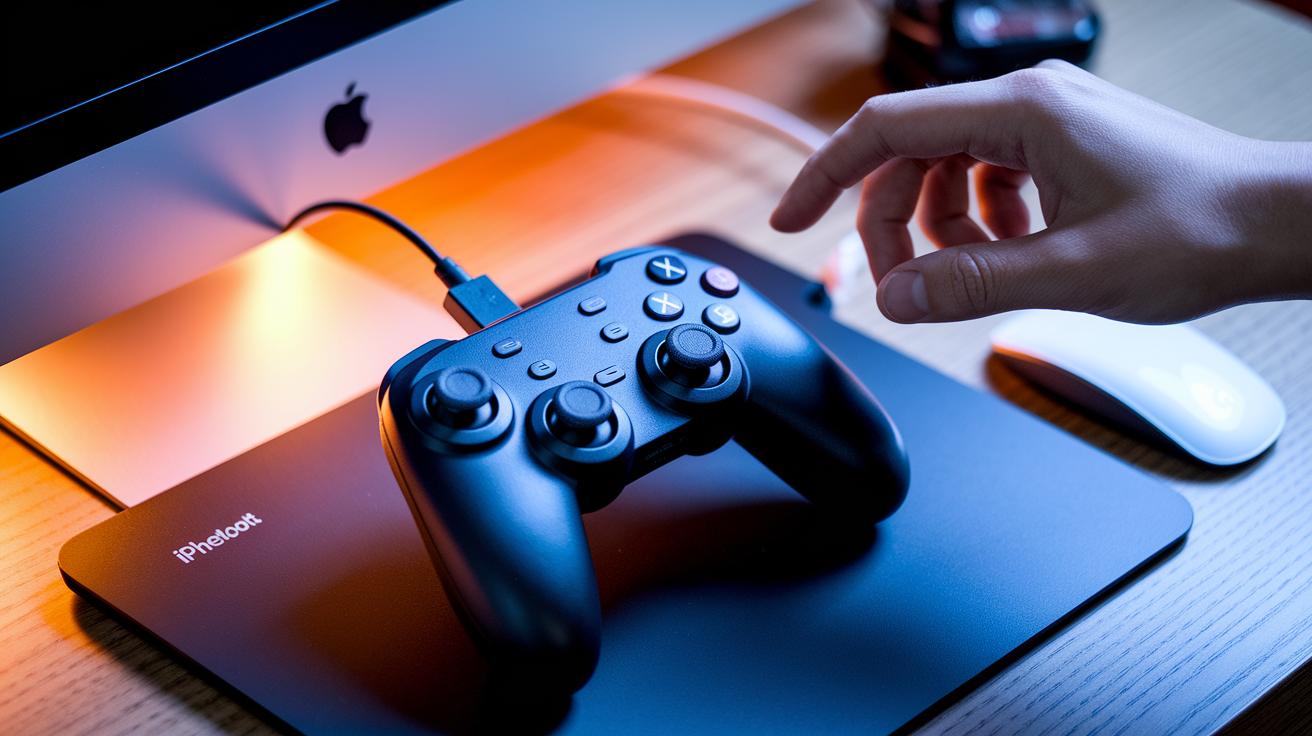
Logitech offers gaming controllers that connect in flexible ways, letting you choose between a USB dongle and Bluetooth (wireless data transfer) for a smooth gaming experience. The F710 gamepad, for example, supports both 2.4 GHz wireless and Bluetooth, giving you options to fit your setup. The unified receiver simplifies connecting multiple devices without extra cables or several dongles. Whether you want a wired connection for quick response times or choose Bluetooth when USB ports are limited, Logitech’s design fits various gaming environments.
If you hit pairing or connectivity issues, start by troubleshooting with the unified receiver. First, check that the receiver is securely connected to your system. Next, ensure the controller is set to the correct mode. Simple steps like unplugging the dongle, restarting your device, or updating the firmware (the device's built-in software) often fix the problem. If issues persist, try reinitiating the pairing process. These quick fixes help keep your connection stable so you can focus on gaming without interruption.
Installing and Customizing Logitech Gaming Peripherals with G HUB
G HUB is a straightforward tool that works smoothly on Windows 10/11 and macOS. It has an offline installer from the official Logitech site so even if your internet connection is slow, you can still set up your gaming gear without trouble. Before you begin, make sure your desktop meets the system requirements for optimal performance. For extra tips on desktop setups, check out this guide on building a gaming PC.
Here’s how you can install and configure G HUB:
- Download the installer package for Windows 11 or the .dmg file for macOS from the official site.
- Run the installer and agree to the end-user license agreement to start the process.
- Plug in your Logitech gaming devices so G HUB can recognize them automatically.
- Update your device's firmware when prompted to make sure it has the latest software.
- Customize your profiles by setting up key mappings, adjusting DPI settings, and configuring the LIGHTSYNC RGB effects.
Once you finish these steps, you can save your custom profiles directly to your device. This means your settings stick with you even when switching computers or updating the software. Plus, G HUB offers cloud sync, letting you access your profiles across different systems. This makes it easy to keep a consistent setup whether you’re gaming at home or on the move.
Evaluating Logitech Peripheral Updates and Performance
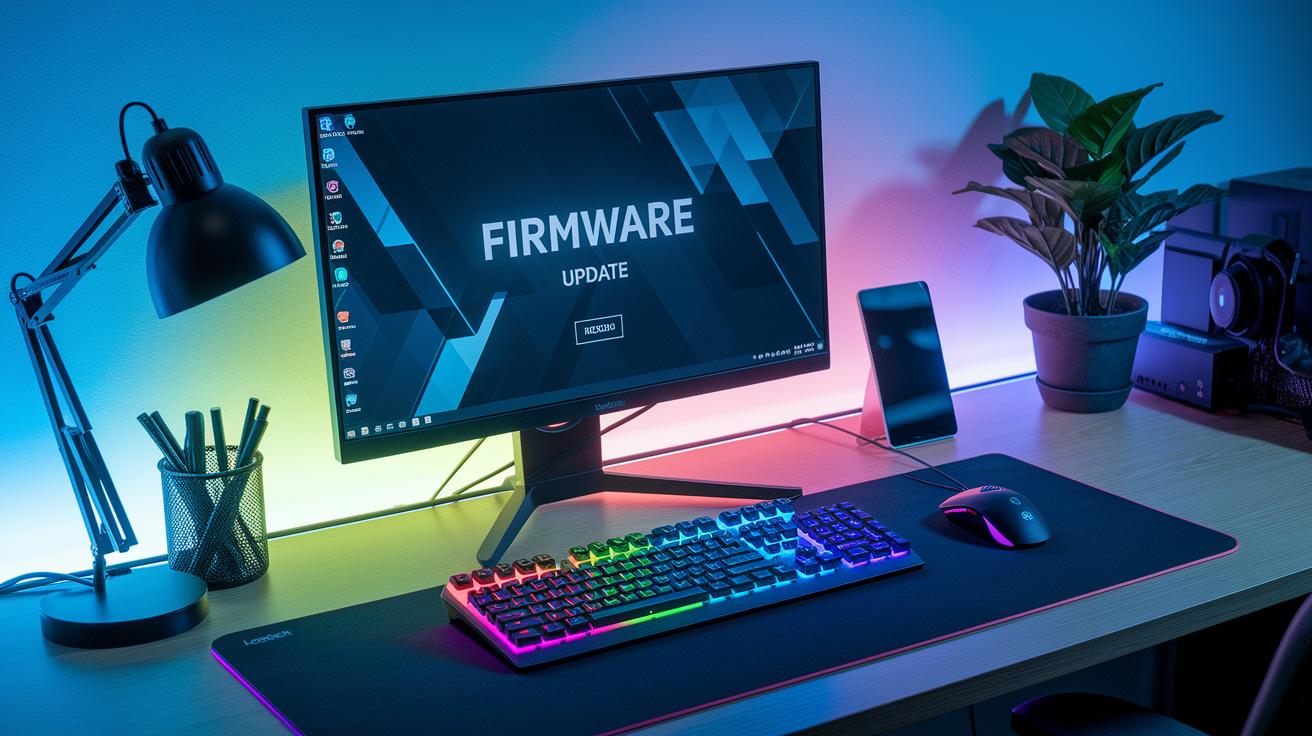
Logitech regularly refreshes its firmware to keep devices running at peak performance. We followed updates from G Play, where new firmware and software tweaks were released to keep everything running smoothly. To stay current, it's important to check changelogs and firmware updates often. These updates not only fix minor glitches but can also improve features like latency (the brief delay between pressing a button and seeing the action) and DPI accuracy (the precision of sensor movement). G Hub makes updating easy by providing on-device prompts and notifications. For gamers, even slight improvements can boost response times during intense sessions.
There are simple benchmark tools available to test performance factors like input lag and optical sensor precision. For example, lightweight software can measure input lag and verify if the DPI settings match what is advertised. If your device starts to feel off, checking G Hub's profile management can help you revert settings or reapply updates. And if issues continue, the built-in FAQs and reset steps in G Hub offer quick solutions to ensure your gaming gear continues to perform at its best.
Final Words
In the action, we broke down everything from gaming mice to keyboards, headsets, and controllers. We detailed setup tips, performance comparisons, and G Hub calibration steps.
We summed up practical insights with a focus on real-world tests and setups. This guide aims to help you match devices to your budget and needs.
With solid performance data and straightforward instructions, you can confidently choose quality logitech gaming peripherals and gear that works for every use-case.
FAQ
Q: What does Logitech software include and how do I download it?
A: The Logitech software includes drivers, firmware updaters, and key mapping tools available via G HUB. It is downloadable from the official Logitech website for both Windows and macOS.
Q: How do regional options like Logitech Europe and Logitech US affect my software download?
A: Regional options such as Logitech Europe and Logitech US ensure you receive localized support and firmware versions. This helps optimize performance on your devices according to your region.
Q: What is the Logitech devices app and how can I use it?
A: The Logitech devices app helps users customize device settings, update firmware, and manage peripherals. It offers a user-friendly interface to personalize key mappings and lighting profiles quickly.
Q: Where can I purchase Logitech products like gaming peripherals in London and the UK?
A: Logitech products are available at the official Logitech store in London and through authorized retailers in the UK. This guarantees genuine products along with customer support and warranty services.
Q: What gaming headsets does Logitech offer and what are their features?
A: Logitech offers headsets such as the refurbished G Pro X Gaming Headset, Astro A30 Wireless, Astro A40 TR, and G733 Lightspeed Wireless RGB. Each focuses on immersive sound quality and comfortable design.
Q: What features distinguish Logitech Gaming Mice like the G Pro Wireless and Logicool G Pro X TKL LIGHTSPEED?
A: These gaming mice feature ultra-light designs, advanced HERO sensors for precise tracking, and fast Lightspeed wireless connectivity. They are designed for reduced fatigue and optimal performance in competitive gaming.
