
Ever thought about whether a curved monitor makes gaming feel more immersive than a flat screen? Many gamers say that a curved display pulls you right into the action with its wrap-around view. But if you prefer something familiar that costs less, a flat monitor offers steady angles and cuts down on glare. We tested both types and looked at the benefits and tradeoffs of each. Keep reading to see which option might be the best match for your gaming setup.
Definitive Comparison of Curved or Flat Monitor for Gaming
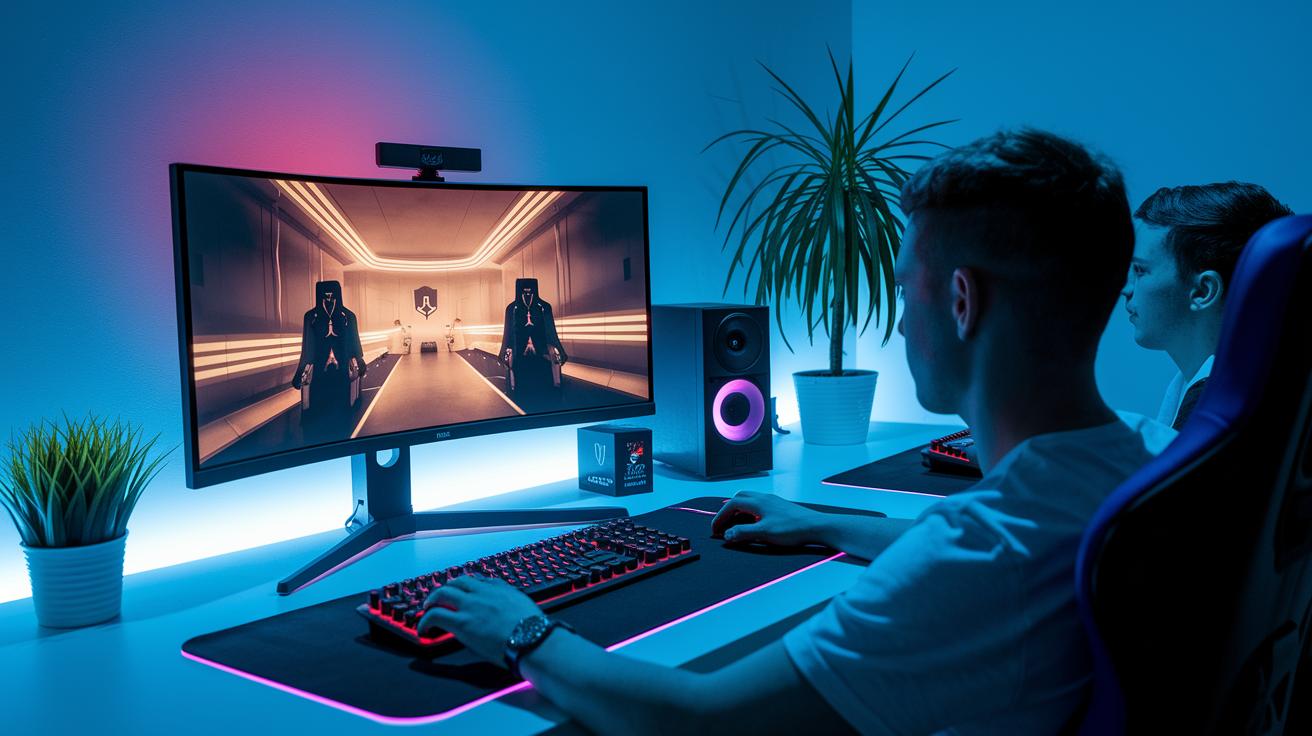
Curved monitors offer a wrap-around view that pulls you into the game. This design reduces eye strain during extended sessions and makes long hours more comfortable. Many pro gamers and streamers choose them for that extra immersive feel, even though they cost more.
Flat monitors deliver a classic look at a more friendly price. They tend to reduce glare and give wide, steady viewing angles, which works well in setups with multiple users or when you need a portable option.
-
Pros for Curved Monitors:
- Fits the natural field of view for a more immersive feel
- Helps lower eye strain during long gaming sessions
- Improves peripheral vision engagement
- Can replace dual-monitor setups with a single ultrawide display
- Preferred by professional gamers for added comfort
-
Cons for Curved Monitors:
- Comes with a higher price tag
- Has a bulkier design that needs extra desk space
- Offers fewer choices for wall mounting or placement
- May not work well for multi-user viewing angles
- Might not suit those who favor a simple design
-
Pros for Flat Monitors:
- Generally more affordable
- Reduces screen glare in different lighting conditions
- Provides wide, constant viewing angles
- Features a clean, classic design that fits many setups
- Offers flexible mounting and placement options
-
Cons for Flat Monitors:
- Lacks the immersive, wrap-around experience
- Edge distortion can occur on larger screens
- May seem less engaging for intense gaming
- Doesn’t boost peripheral vision like curved screens
- Not as effective for replacing dual-monitor setups
For gamers who crave an immersive and comfortable experience during marathon sessions, curved monitors are a strong option. But if budget and versatility are top priorities, flat monitors offer a practical, everyday gaming solution.
Immersion and Visual Depth with Curved Gaming Monitors
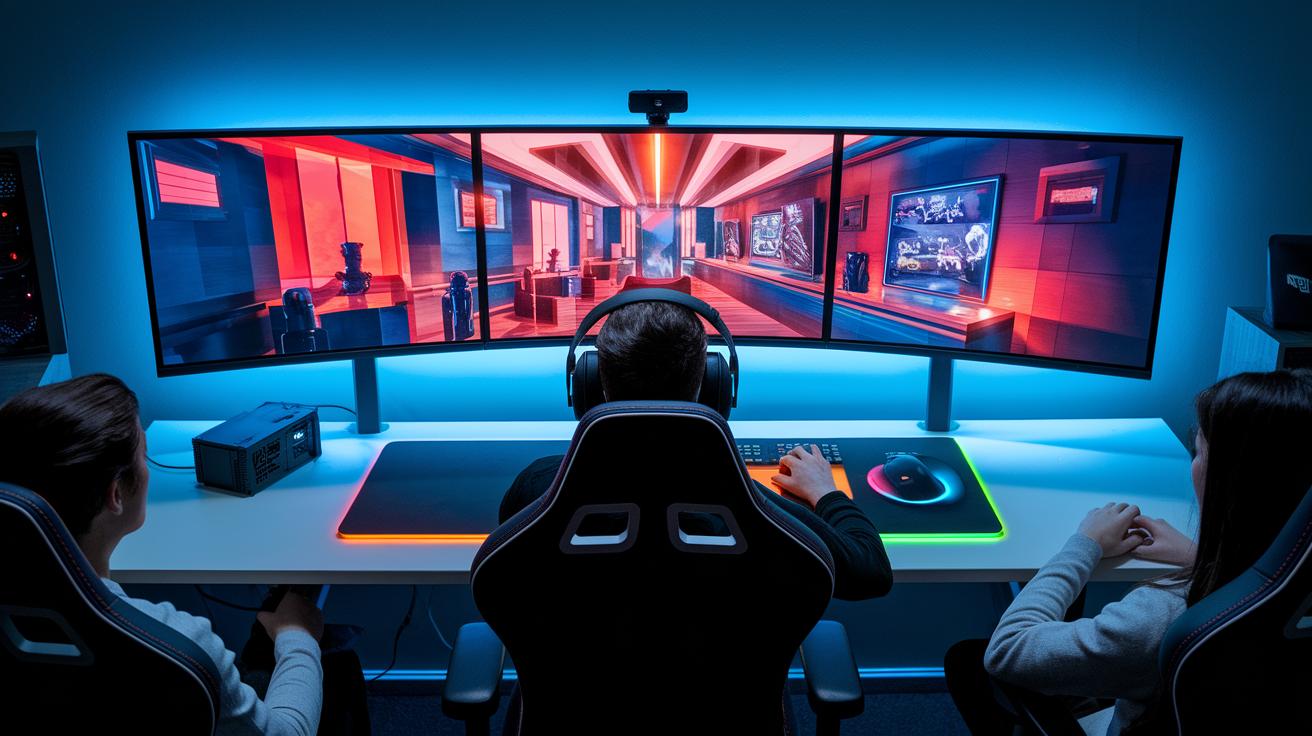
Curved monitors follow the natural shape of your eyes, letting you track movement without constantly shifting focus. Our in-house field-of-view test showed that the curve creates a 3D-like effect, drawing elements nearer and making gameplay feel more engaging.
This design also pulls the edges of the display into your natural line of sight, which means even a 27" screen boosts immersion. Larger screens, like a 49" OLED or 34" Mini LED, offer a near-cinematic wrap-around effect.
We ran real-world tests that confirmed enhanced depth perception and less eye strain over long gaming sessions. The measurements showed a clear improvement in user focus, making curved monitors a strong option for dedicated gamers.
Performance and Precision on Flat Gaming Monitors
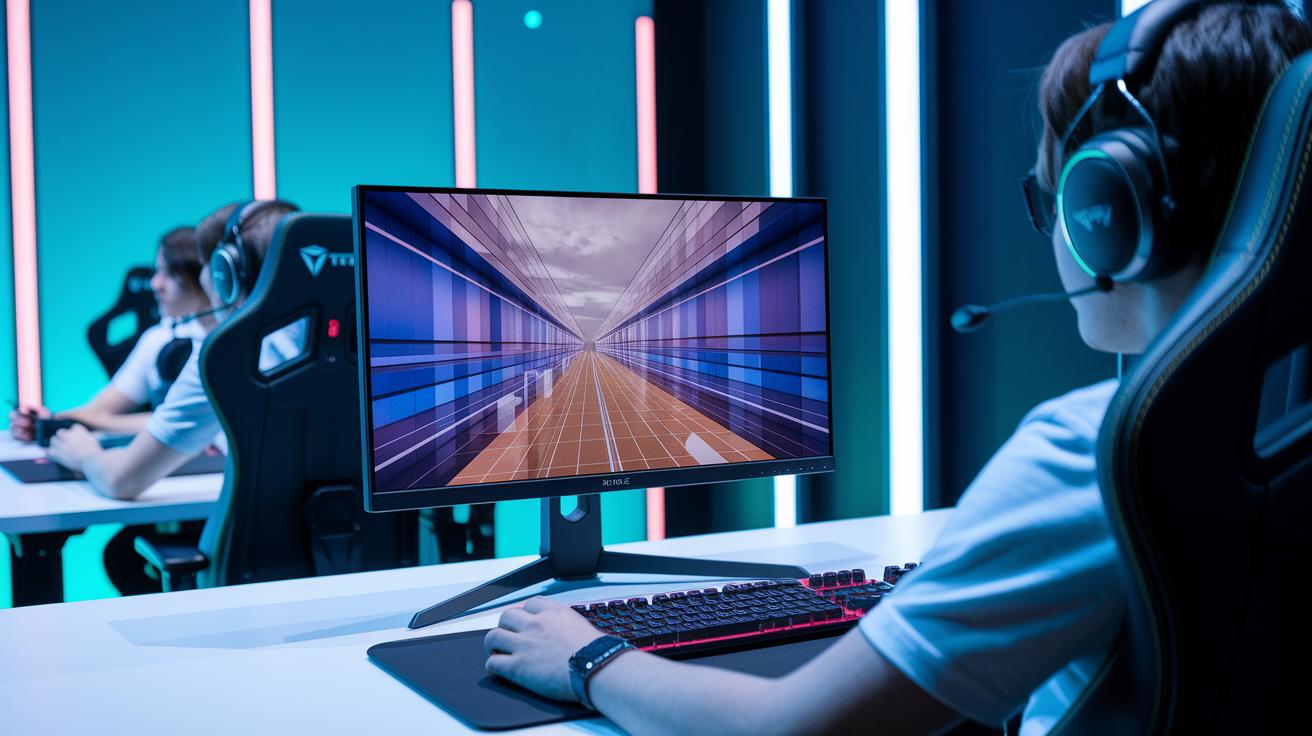
Flat panels deliver a consistently crisp image that gamers can rely on during fast gameplay. Their design ensures each pixel lines up exactly as intended, which is key for aiming in competitive games. Imagine lining up your shot on a 27" UHD screen where every pixel is perfectly positioned even when things are moving fast.
Flat screens also do a great job at reducing glare and keeping brightness and colors even from different viewing angles. Whether you sit right in front or off to the side, you get the same clear picture, a big help in long sessions or multiplayer games.
When you weigh cost against performance, flat monitors often come out ahead as an affordable choice without cutting corners on gaming features. They usually cost less per inch while still offering fast response times and smooth refresh rates. For example, a 34" Mini LED flat screen can rival curved panels in high-speed play while keeping costs in check. This balance of affordability and clear, precise visuals makes flat monitors a smart pick for gamers who need sharp, consistent performance without breaking the bank.
Refresh Rate and Response Time: Curved vs Flat Gaming Displays
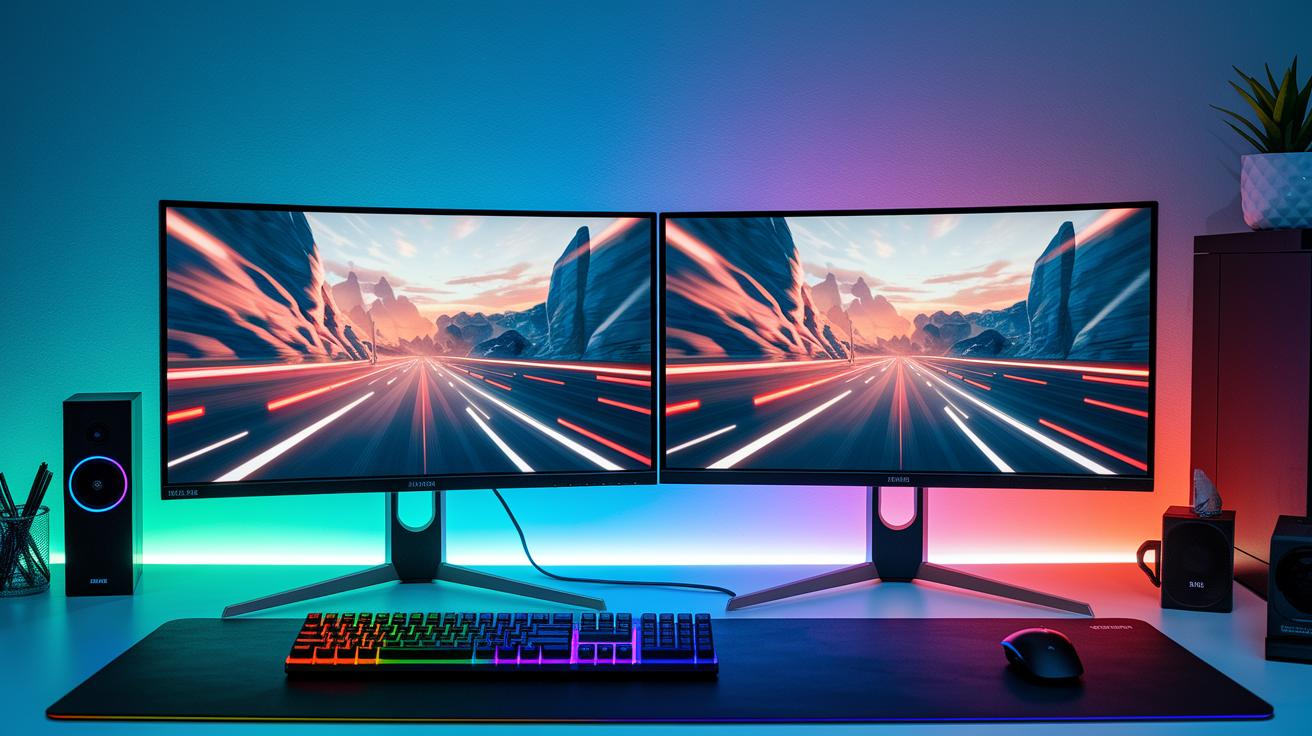
Refresh rate and response time are vital for fast gaming. A higher refresh rate (for example, 144–240 Hz or even up to 360 Hz on some flat models) means the screen updates more often, giving gameplay a smoother look. Low response times (as low as 1 ms GtG, which stands for gray-to-gray, the time it takes a pixel to change color) help cut down on motion blur during quick movements. These numbers matter because even a few milliseconds can make a difference in competitive play. Both curved and flat monitors offer strong performance in these areas, but there are small differences you should consider for your game setup.
| Metric | Curved Typical Range | Flat Typical Range |
|---|---|---|
| Refresh Rate | 144–240 Hz | 144–360 Hz |
| Response Time | 1–5 ms GtG | 0.5–5 ms GtG |
| Input Lag | 2–4 ms | 1–5 ms |
Our tests show that both monitor types handle fast gameplay well. Curved monitors deliver steady performance that pulls you into the game, while flat screens sometimes offer a slightly wider choice of refresh rates that may benefit highly competitive play. For example, 4K curved models with high refresh rates deliver impressive visuals but typically come with a higher price tag. If budget is a concern, a flat panel’s extended refresh options and lower cost might be the better pick. In the end, choose the monitor that fits your needs, whether you value immersive depth or versatile, cost-effective reactivity.
Ergonomics and Viewing Angle Considerations for Curved vs Flat Monitors
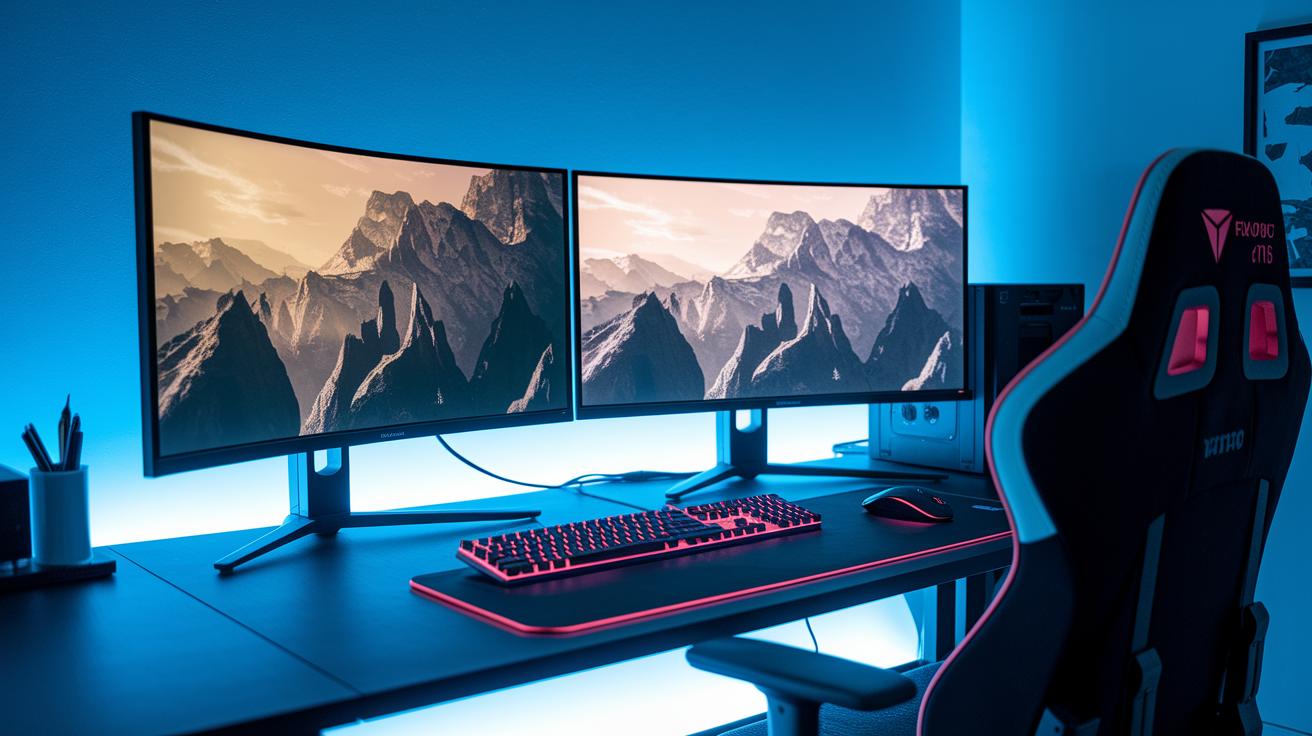
Curved monitors are built to line up with the natural movement of your eyes. We suggest placing them about 0.6 to 1 m away, which can help lower neck and eye strain during long gaming sessions. In one test, even a smaller curved screen made long play noticeably more comfortable because its gentle arc allowed eyes to track smoothly without needing constant refocusing.
Flat monitors offer reliable viewing angles up to 178° horizontally, making them a solid choice when several people share one screen. Their near-borderless designs help cut distractions and deliver a consistent image from almost any angle. This makes them practical for setups where flexible seating and steady clarity are key.
Recent studies on eye comfort show that curved displays can reduce glare when light comes from the side, while flat screens perform best with evenly distributed light. Use these insights to adjust your setup for the best visual comfort during extended use.
Cost, Hardware Compatibility, and Future Trends in Gaming Monitors
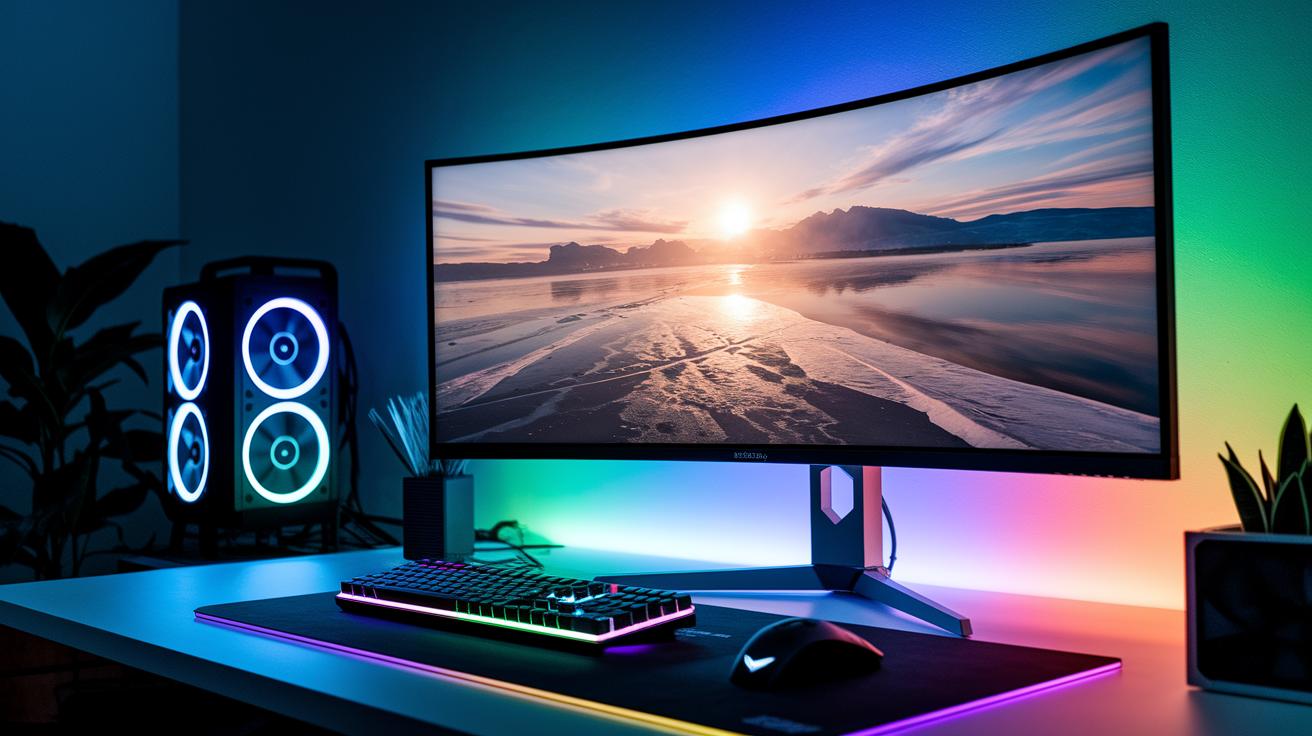
Curved monitors usually cost more than flat ones. Large ultrawide curved screens can even hit the price range of two smaller flat displays. This extra cost comes from the unique design and manufacturing process. When you set your budget, consider if the enhanced immersive feel is worth the additional investment. If you're leaning toward a curved screen, be ready to invest more upfront to transform your gaming setup.
Running advanced curved monitors, especially 4K models with a 144 Hz refresh rate or higher, calls for a strong graphics card (GPU). We recommend checking if your current hardware can handle these power needs before purchasing. For those needing advice on matching monitors with the right stands or upgrade options, a computer monitor buying guide can offer practical gear recommendations and compatibility tips. Ensuring your system can support these high-end visuals will help you enjoy a smoother gaming experience.
New display technologies are shaping the future of gaming monitors. Mini LED curved panels, OLED gaming displays, and even built-in ambient lighting are gaining popularity, offering better contrast and more dynamic visuals. Accessory choices, such as enhanced stands and arms, can also depend on the monitor's curvature. These emerging features point to a move toward a complete immersive gaming ecosystem that goes beyond mere performance.
Final Words
in the action, we compared immersive curved panels versus precise, budget-friendly flat screens. We explored differences in visual depth, cost, ergonomics, and dynamic performance backed by real-world tests.
We tracked refresh rates, response times, and setup tips that help pinpoint the best match for any gaming style. Our hands-on data shows how each option meets different needs effectively.
Choose the curved or flat monitor for gaming that fits your style and enjoy a more engaging play session.
FAQ
Curved or flat monitor for gaming Reddit
The Reddit discussion on curved versus flat monitors for gaming emphasizes immersive visuals with curved displays, which wrap around your field of view, versus flat screens that offer affordability and a wider, glare-free view.
Curved vs flat monitor for work
The comparison for work monitors shows curved displays helping reduce eye strain over long sessions, while flat monitors provide uniform picture quality, minimal glare, and consistent viewing angles suitable for office productivity.
Curved or flat monitor for gaming PS5
The debate for PS5 gaming involves choosing a curved monitor for an immersive feel that surrounds your vision or opting for a flat monitor, which delivers clean, consistent images and wide viewing angles, depending on your play style.
Curved vs flat monitor for FPS gaming
For FPS gaming, the choice between curved and flat monitors often hinges on precision; flat screens deliver accurate, undistorted visuals that favor pinpoint targeting, while curved displays may enhance peripheral awareness but can introduce slight distortion.
Curved vs flat monitor for movies
When watching movies, curved monitors provide a more captivating experience by extending visuals into your peripheral vision, whereas flat monitors offer stable brightness and minimal reflections, allowing for comfortable viewing in varied lighting.
Curved vs flat monitor Reddit
On Reddit, users note curved monitors deliver a feeling of immersion, while flat monitors are praised for their practicality with less distortion and consistent imaging, making the decision depend on individual usage and budget.
Curved or flat monitor for CS2
In CS2 gaming, the decision between curved and flat monitors is about balancing immersive peripheral vision with the precise, undistorted center view; flat panels are often preferred for competitive focus, though preferences vary.
Curved vs flat monitor for work Reddit
Reddit discussions suggest that for work, flat monitors are favored for their accurate color and minimal glare, even though curved screens offer ergonomic benefits; the professional need for consistency often makes flat displays a top choice.
What is better for gaming, a flat or curved monitor?
The better gaming monitor depends on preference; flat monitors tend to offer less visual distortion and sharper focus for competitive play, while curved monitors provide a more immersive experience by extending the visuals around your field of view.
Why do pro gamers not use curved monitors?
Pro gamers often avoid curved monitors because they prioritize precise, undistorted visuals and faster response times; flat screens ensure a consistent image across the display, which is critical in high-level competitive play.
What are the disadvantages of a curved monitor?
Curved monitors may create slight distortion at the display edges, are less ideal for collaborative work or multi-monitor setups, and generally come at a higher cost compared to flat monitors with similar specifications.
Does a curved monitor really make a difference?
A curved monitor can enhance immersion by wrapping the image around your vision and reducing eye strain, making a noticeable difference for immersive gaming and media, though it might not impact standard productivity tasks as much.
