
Are you starting to suspect that your current computer might be slowing you down? Finding a desktop that meets your needs can feel like trying to solve a tricky puzzle. This guide highlights the essential components to consider, from reliable processors and high-quality graphic cards to generous memory and effective storage solutions. Each part plays a key role in making everyday tasks run smoothly and in supporting immersive gaming experiences. Now is the time to explore a desktop that combines reliable performance with the potential for future upgrades. Let us help you choose the best option for your needs.
Desktop PC Technical Checklist: CPU, GPU, RAM, Storage, Upgradeability & Connectivity
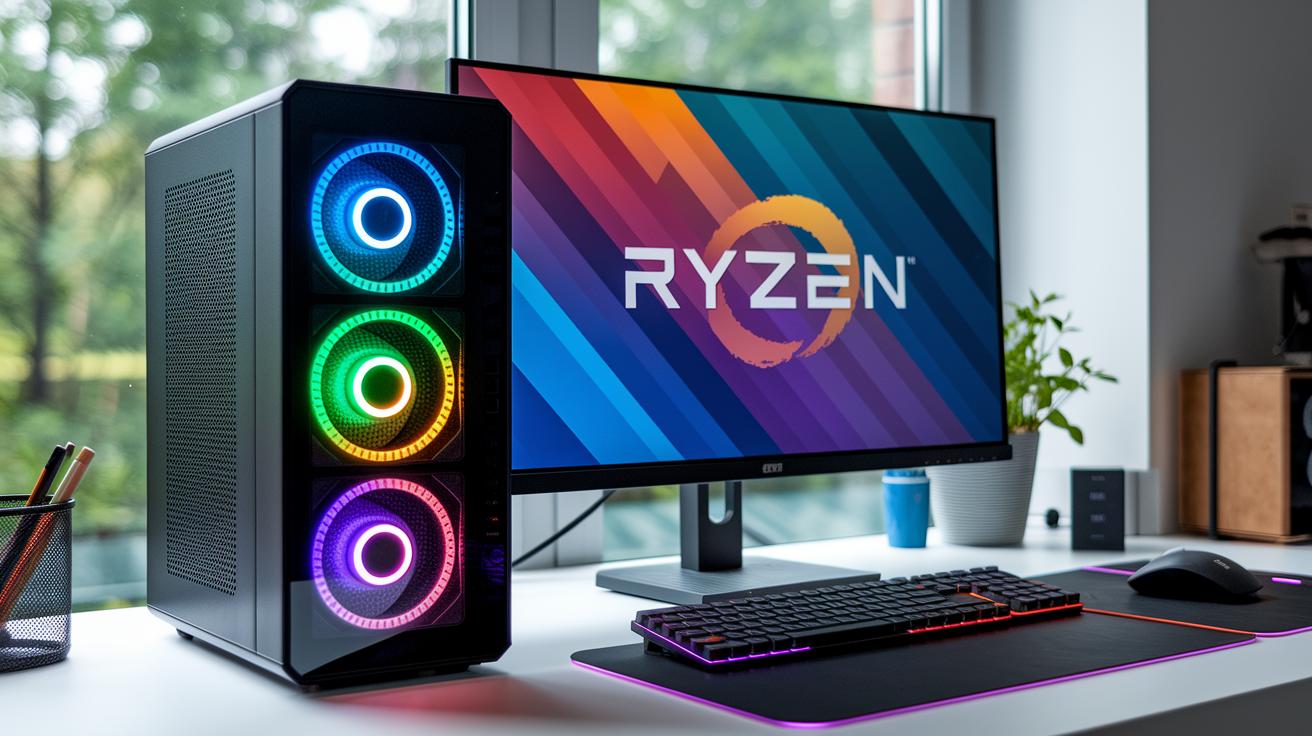
Begin with the processor. Desktop computers usually provide two powerful choices: Intel's 13th generation Core or AMD's Ryzen 7000 series. These processors are built to accommodate everything from everyday tasks to the intense demands of gaming and content creation. For example, selecting an Intel Core processor can ensure steady performance when running multiple applications at once.
Next, consider the graphics setup. For routine tasks, integrated GPUs perform well, but a dedicated graphics card is essential for high-end gaming or creative projects. A discrete GPU can significantly enhance visual performance, particularly when rapid rendering is required. One user even mentioned that upgrading to a separate GPU completely transformed their gaming experience, enabling settings that were once beyond reach.
Memory is another key element. Installing at least 16 GB of DDR4 or DDR5 RAM is advisable to guarantee smooth multitasking and fast responsiveness. Likewise, storage demands attention. A minimum of 512 GB SSD is recommended, with NVMe SSDs delivering higher throughput and quicker boot times. Some users liken the improvement to upgrading from a standard vehicle to a high-performance sports car.
Finally, evaluate upgradeability and connectivity. Desktop towers typically allow for easier component replacements compared to compact or all-in-one systems, paving the way for future enhancements. Additionally, reliable connectivity is vital, opt for systems with Gigabit Ethernet for consistent wired access or choose modern wireless technologies such as Wi-Fi 6 and Wi-Fi 6E.
- CPU: Intel 13th-generation Core or AMD Ryzen 7000 series
- GPU: Integrated graphics for routine tasks; dedicated GPUs for gaming and creative work
- RAM: At least 16 GB DDR4 or DDR5
- Storage: A minimum of 512 GB SSD, with NVMe SSDs preferred
- Upgradeability: Desktop towers offer more flexibility for future updates
- Connectivity: Options include Gigabit Ethernet and Wi-Fi 6 or Wi-Fi 6E for robust network performance
Budget Vs High-End PCs in a Desktop Computer Buying Guide
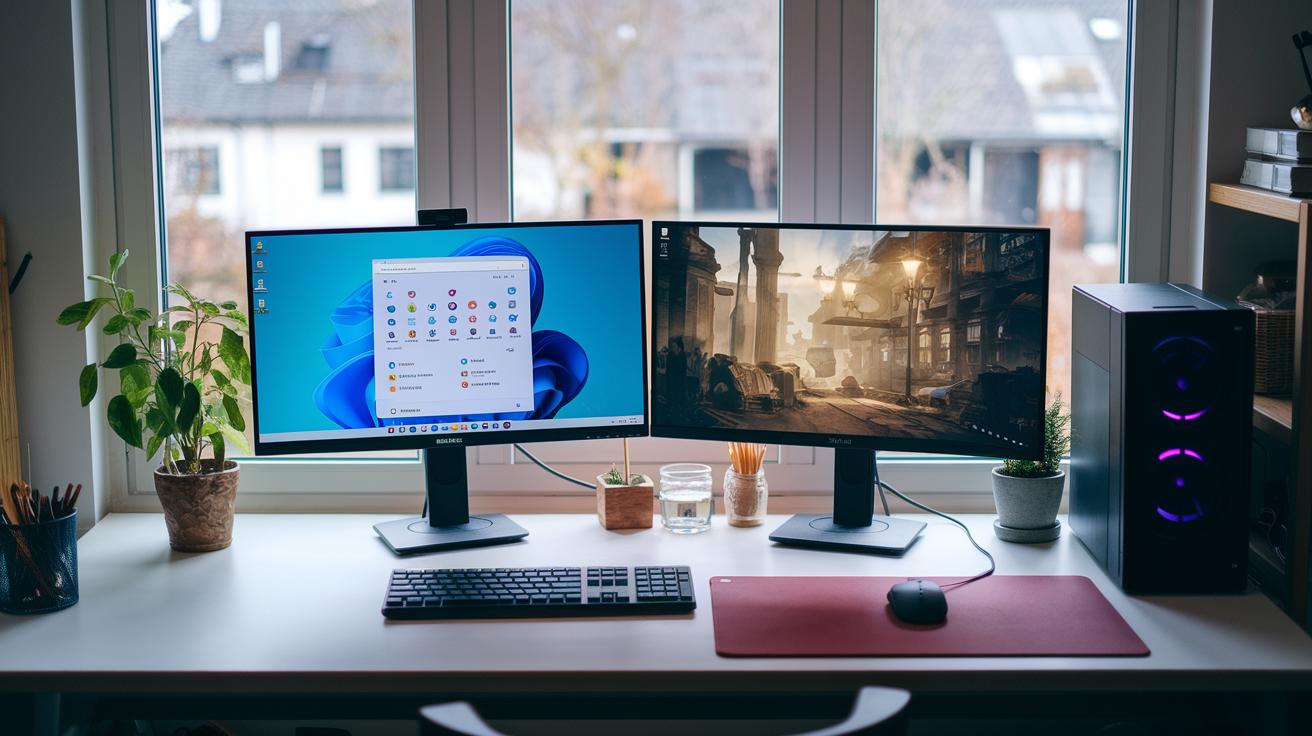
When shopping for a desktop, it is important to balance cost with performance based on your particular needs. For day-to-day activities like browsing the web, sending emails, and editing documents, desktops that cost under $600 work well. They are also capable of handling video streaming and simple games such as Minecraft without pushing your budget too far.
If you need a system that handles both routine work and moderate gaming, finding the right balance between affordability and performance is key. For instance, the Lenovo Legion Tower 5i Gen 8, which costs about $1,150, represents a great budget gaming option. It performs reliably with popular games such as Apex Legends, Fortnite, and Valorant at moderate settings. One user noted, "I discovered that the Lenovo Legion Tower 5i Gen 8 allowed me to enjoy smooth gameplay on popular games while staying within a reasonable price range." This shows that solid gaming performance is achievable without a massive investment.
Those who desire enhanced visual clarity and faster refresh rates may wish to consider the midrange segment. The Lenovo Legion Tower 7i Gen 8, priced at $2,549, is built to support high-resolution displays and provides an immersive experience for gaming and creative tasks alike. As another user shared, "Switching to the Lenovo Legion Tower 7i Gen 8 transformed my gaming experience with crisp graphics and responsive gameplay."
Interestingly, premium-level gaming performance is also within reach. The HP Omen 35L, valued at $1,020, offers robust features to support demanding titles. This model proves that outstanding performance does not necessarily require the highest price tag.
| Category | Price Point | Model |
|---|---|---|
| Basic Use | Under $600 | Everyday Desktop |
| Budget Gaming | $1,150 | Lenovo Legion Tower 5i Gen 8 |
| Midrange Performance | $2,549 | Lenovo Legion Tower 7i Gen 8 |
| Premium Gaming | $1,020 | HP Omen 35L |
In the end, choose the desktop that best fits your budget and performance demands, allowing you to get the most out of your investment.
Desktop Computer Buying Guide: Prebuilt, Custom, All-in-One & Form Factors
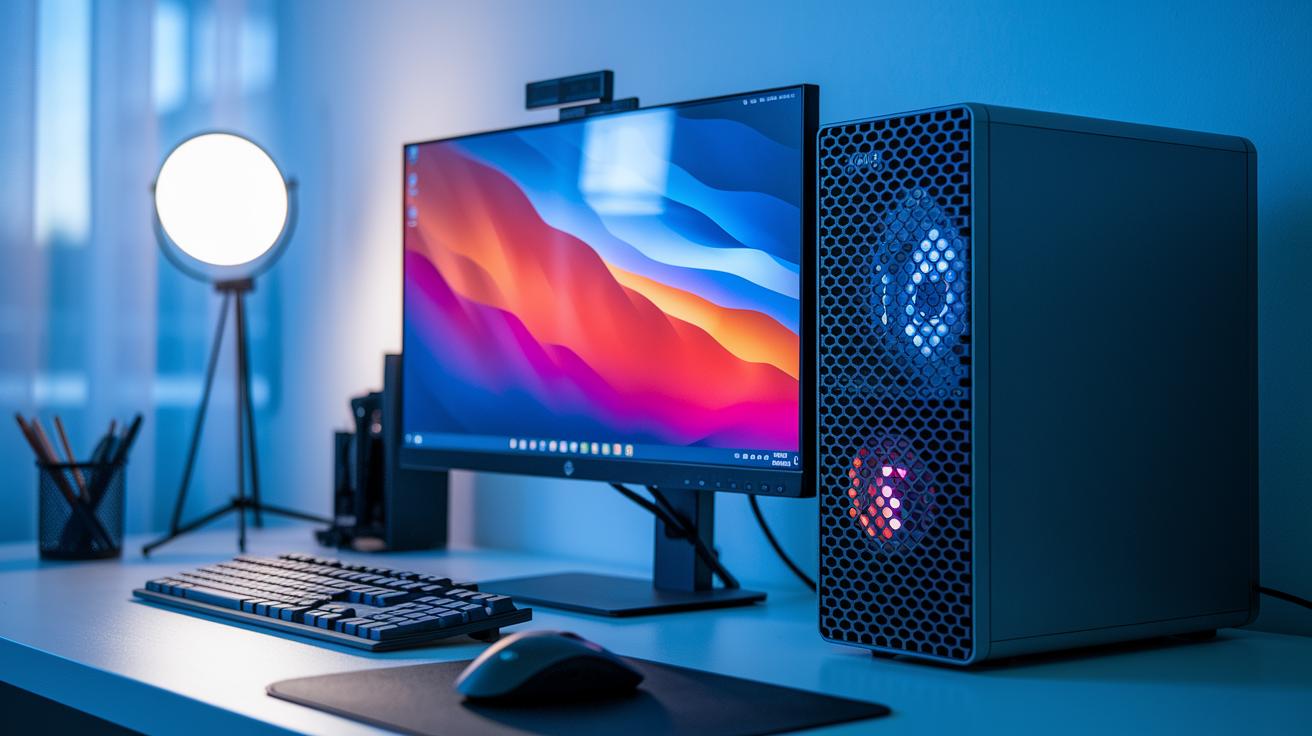
Prebuilt systems provide an out-of-the-box solution that requires very little effort to set up, although they can limit your ability to swap out components later. For example, the Apple iMac M4 (2024) impresses with its 24-inch display, powerful Apple M4 chip, and a choice of seven color finishes. Still, its base 256 GB SSD, proprietary motherboard, and 60 Hz panel leave little room for future upgrades. One user explained that choosing an all-in-one like the iMac M4 over a traditional tower meant prioritizing design over flexibility.
Tower PCs, such as the Dell XPS 8960 Desktop priced at $1,400, are designed with many expansion slots, drive bays, and excellent upgrade potential. They are well suited for those who plan to gradually boost performance over time. With a tower desktop, you can update components one at a time, focusing on a stronger graphics card, more memory, or extra storage as needed.
Mini PCs are ideal for users with limited space, thanks to their compact design. However, their smaller size generally means fewer PCIe slots and reduced cooling options, which may not satisfy the requirements of intensive gaming or professional content creation. One user shared that although they appreciated the additional desk space, the trade off came in the form of fewer upgrade possibilities.
Custom builds offer the ultimate flexibility, giving you the freedom to choose each individual component tailored to your needs and future upgrade plans. This approach lets enthusiasts carefully select every part to ensure both compatibility and optimal performance. For advice on component selection, consider looking at the guide on how to build a gaming pc. Keep in mind that custom configurations demand a solid understanding of system architecture to fully take advantage of the benefits.
- Prebuilt systems: Simplify setup but can restrict modifications
- Tower desktops: Offer extensive expansion and upgrade options
- Mini PCs: Feature a compact design at the expense of upgrade possibilities
- Custom builds: Provide full customization, though they require more technical expertise
Desktop Computer Buying Guide: Tailoring Picks for Gaming, Business & Home Office
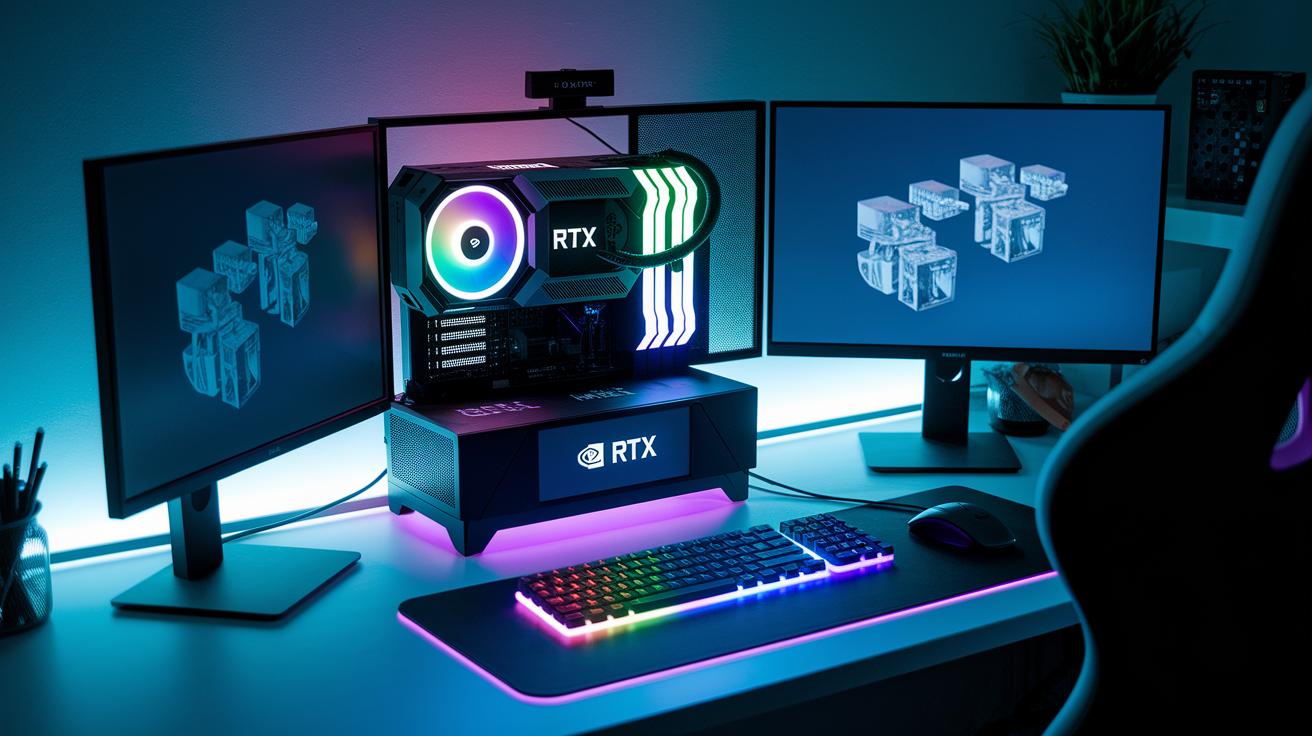
For gamers, top-notch performance is essential. Gaming desktops should come equipped with discrete graphics cards such as NVIDIA RTX or AMD Radeon and include 16GB to 32GB of RAM to ensure smooth gameplay during intense sessions. One gamer explained, "After upgrading my GPU to an NVIDIA RTX and boosting my RAM, my gaming moved from choppy graphics to smooth, competitive play." This configuration not only delivers immersive gaming but also handles virtual reality, video editing, and 3D modeling work with ease.
Business desktops are designed with reliability, enhanced security, and remote management in mind. These machines are built to operate continuously over long hours while keeping sensitive information secure. For professionals who depend on remote desktop features and seamless multitasking, a workstation that pairs high performance with strong security measures is crucial. Picture a system that minimizes downtime during key meetings or data processing tasks.
Home office computers, like the Dell XPS 8960 priced at $1,400, offer a smart blend of compact design and multitasking power. They are built to support everyday business applications, video conferencing, and creative projects from home. A multi-monitor setup can significantly boost productivity for coding, trading, or content creation; one user noted, "Setting up a dual monitor arrangement in my home office revolutionized the way I work." In addition, ergonomic accessories such as adjustable monitor arms and comfortable keyboards help reduce fatigue during long work sessions.
- Gaming systems: Discrete GPUs (NVIDIA RTX or AMD Radeon) with 16GB to 32GB of RAM
- Business workstations: Emphasis on reliability, security features, and remote management
- Home office setups: A balanced performance with multi-monitor support and ergonomic accessories
Desktop Computer Buying Guide: Pricing, Deals & Purchase Channels

Desktop computer shopping becomes easier during seasonal sale events like Amazon Prime Day and Black Friday. These promotions offer significant discounts on select desktop models and can bring even high-end systems into your budget range.
Using price-comparison tools and setting up deal alerts is essential in 2024. Keep an eye on various electronics retailers and online stores because many vendors run short-term promotions. Certified refurbishers also offer reliable, previous-generation desktops at lower prices, providing an affordable yet dependable option.
When reviewing deals, always check warranties, return policies, and tech support. Extended warranty plans and on-site service options add extra security for your investment. Evaluating these aspects alongside the price will help you decide on the best overall value.
- Seasonal sales: Enjoy discounts of up to 30 percent during major events
- Price-comparison tools: Use alerts to track the best deals
- Certified refurbishers: Find affordable, last-generation systems
- Vendor support: Confirm warranty, return policies, and tech support options
By researching prices and watching for promotions, you can secure a desktop that meets your performance requirements and budget while ensuring reliable service over time.
Final Words
in the action, the blog outlined essential technical specs, from CPU and GPU options to storage and connectivity. It compared budget models with high-end PCs and detailed prebuilt versus custom desktop setups. The guide also addressed configurations for gaming, business, and home office needs while highlighting pricing strategies and seasonal deals. This desktop computer buying guide empowers savvy buyers with clear, concise choices. Embrace the future of tech with confidence and excitement, knowing you have the insights needed to make the best decision.
FAQ
Q: What are the key factors in a gaming desktop computer buying guide?
A: The gaming desktop computer buying guide outlines essential components like processors, discrete GPUs, sufficient RAM, and fast storage. It emphasizes performance, upgradeability, and efficient connectivity for smooth gameplay and multitasking.
Q: What distinguishes top desktop choices in the new rules for buying a computer?
A: The new rules focus on critical innovations, comparing desktop models based on modern CPUs, advanced graphics, and enhanced connectivity. These factors ensure optimized value, longevity, and performance across different user scenarios.
Q: How do laptop and desktop computer buying guides compare?
A: The guide contrasts laptops with desktops by highlighting desktops’ superior upgradeability, performance potential, and reliability for intensive tasks, while laptops offer portability at the expense of customization and service life.
Q: What guidance does Dell provide in its desktop computer buying guide?
A: Dell’s desktop computer buying guide emphasizes models like the Dell XPS 8960, underscoring strong connectivity, component expansion, and balanced performance ideal for both business and home office needs.
Q: Which desktop options are best for working from home?
A: The best desktops for working from home, such as models featured in the guide, combine robust multitasking capabilities, ergonomic design, reliable connectivity, and effective performance that supports multi-monitor setups and business applications.
Q: How can one prepare for future trends like those in the computer buying guide 2025?
A: The guide for 2025 recommends desktop models with future-proof components—advanced processors, high-performing GPUs, and latest connectivity standards—to ensure continued relevance and adaptability as technology evolves.
