
Choosing a new laptop can feel overwhelming. With so many models touting top features and sleek looks, it is tough to know where to start. Our guide helps you zero in on your main tasks, whether work, gaming, or creative projects, and set a smart budget. We explain how to match your needs with the right balance of performance and portability. When you understand your priorities and budget, you can quickly narrow down your options and make a confident, practical choice.
Laptop buying guide: setting priorities for your purchase

First, decide what you will use your laptop for most often. Whether you need it for casual browsing, business work, photo or video editing, coding, gaming, or frequent travel, knowing your primary tasks will help narrow your choices. For example, if you use your laptop for remote work and some light photo editing, look for a model that strikes a balance between performance and portability.
Next, set a clear budget. Write down the maximum amount you’re willing to spend to filter out options that are too expensive. Think of it like planning a meal on a strict budget, you focus on essentials that satisfy you rather than splurging on extras.
List your key priorities:
- Daily tasks: web browsing, document editing, streaming
- Specific tasks: gaming, graphic design, or coding
- Portability: weight, battery life, and build durability
If you require advanced graphics or plan to run many demanding applications at the same time, plan to spend a bit more for a powerful processor and plenty of RAM. Conversely, if you mainly browse the web and stream videos, a budget-friendly, energy-efficient model might be enough.
By matching your needs with the right performance and portability, you can cut through today’s overwhelming market choices. This practical approach makes it easier to find a laptop that meets your daily requirements reliably.
Laptop buying guide: selecting the right operating system
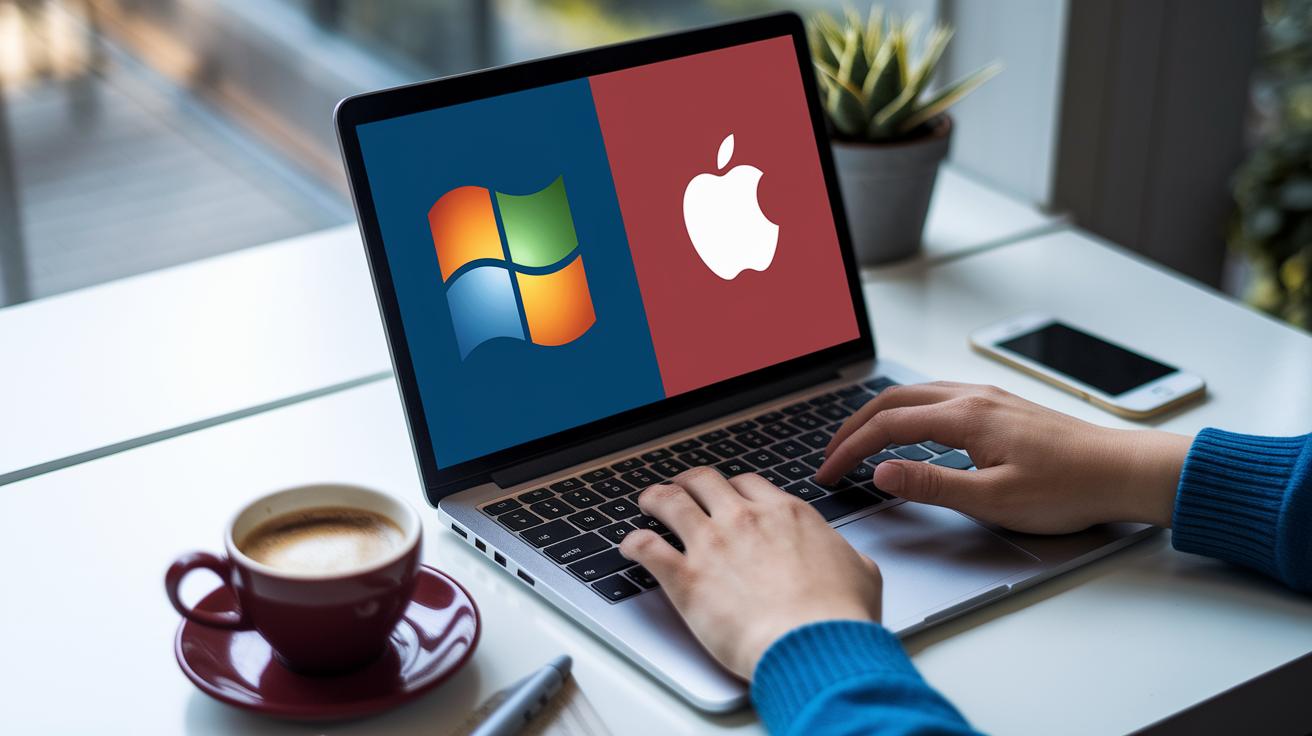
When choosing a laptop, picking the right operating system can make a big difference in how well it performs and runs your favorite software. Windows has a huge library of apps and works with many devices, making it a solid pick if you need flexibility. We measured that its broad driver support means you get a laptop that smoothly handles everything from daily tasks to more demanding programs.
If you're in the Apple ecosystem, macOS offers a seamless and secure experience. It easily syncs with iPhones and iPads, and its easy-to-use interface creates a fluid change between devices. We tested its continuity features and found that the transition from one Apple device to another is impressively smooth.
Chrome OS stands out if you’re looking for an affordable, cloud-focused option. It loads up in just a few seconds, thanks to its lightweight design and automatic updates. Think of it like this: Chrome OS is a simple, speedy solution that works great for web-based apps and everyday online activities.
Each operating system has its own benefits. Consider which apps you use most and how you work every day to decide which one fits your needs best.
Laptop buying guide: understanding laptop categories and types

Entry-level laptops cost around $500 or less. They handle simple tasks like browsing the web, writing documents, and streaming videos with ease. These are great if you just need a computer for everyday use, like a student managing online research and assignments.
Midrange laptops, priced between $500 and $1,500, strike a balance between performance and cost. They offer better processors, longer battery life, and higher-quality displays than entry-level models. Think of it like upgrading from a basic tool kit to one with extra features: these laptops can manage photo editing and smooth multitasking on busy days without stretching your budget.
Premium laptops cost over $1,500 and come with top-notch hardware, longer battery life, and advanced display options (like mini-LED panels, which deliver deep blacks and bright highlights). They're built for demanding tasks such as video editing, advanced gaming, or heavy professional use. You get a smoother experience and richer visuals that justify the price.
There are also specialized options. 2-in-1 hybrids let you use your device as a tablet when needed. Ultraportables, sometimes called ultrabooks, focus on a light design and long battery runtimes. Business laptops emphasize durability and security, while gaming laptops pack high-end processors and GPUs for modern titles and intensive applications.
Choosing the right laptop depends on your needs, lifestyle, and budget. Understanding each category helps narrow down the overwhelming choices in the market.
Laptop buying guide: evaluating processor, memory, and storage

CPU and GPU considerations
The CPU is the engine of your laptop. For example, the Intel Core Ultra 7 258V tackles everyday tasks without draining battery quickly. Processors with four cores or more can juggle many apps at once, while dual-core chips might struggle when overloaded.
Graphics also matter a lot. Many budget laptops come with integrated graphics like Intel’s iGPU or AMD’s APUs, which handle everyday tasks, streaming, and light editing just fine. We even noticed that these solutions can now manage casual gaming nearly as well as older dedicated GPUs in some budget models. But if you plan to edit video or dive into modern games, you’ll need a dedicated GPU. Gaming laptops often feature powerful graphics cards that deliver smoother visuals and faster frame rates.
RAM and storage choices
Memory is key to keeping your laptop fast. For most users, 8 GB of RAM can cover basic tasks. However, stepping up to 16 GB means you get smoother multitasking, like having a big desk to spread your work across.
Storage is another crucial part. NVMe SSDs are now common and provide much faster boot times and file transfers than traditional HDDs. This makes your system more responsive, whether you’re launching apps or moving big files. If you like the idea of future upgrades, look for models with slots that let you expand both RAM and storage later on. Testing these options can help you pick a laptop that handles your jobs efficiently.
Laptop buying guide: choosing displays and battery performance

When shopping for a laptop, the screen and battery are two features that make a big difference in your daily use. Many new laptops offer screens in Full HD (1920 × 1080), WQHD (2560 × 1440), or even 4K UHD (3840 × 2160). Most models use a 16:9 face, but some like the Surface or MacBook sport taller screens. Taller displays show more lines of text so you spend less time scrolling.
Battery life is equally important. We found that budget laptops often give you about 8 hours of use, while higher-end models like the Dell 14 Plus can last up to 20 hours on a single charge. This matters if you need your laptop to last through long work sessions or during travel. Ultraportables, which often weigh under 3 pounds and are only a half-inch thick, offer a mix of good battery life and easy portability.
Key points to think about:
- Screen resolution and clarity for crisp images and text.
- Color accuracy to see visuals as they were meant to be.
- Battery benchmarks that match your everyday tasks, whether for work or watching videos.
Choose a laptop where the display and battery performance fit your lifestyle needs for a device that can handle everyday tasks.
Laptop buying guide: ensuring connectivity and expandability

We all want a laptop that stays current by connecting easily now and in the future. When shopping, make sure your device offers the ports you need. Some laptops feature only USB-C ports, while others also include USB-A, HDMI, and headphone jacks. In ultrathin models, you might even miss some essential jacks to save space. Check your setup, whether it's connecting to an external monitor or working with older devices, to pick the right port configuration.
Wireless performance is just as important. Most laptops today support Wi-Fi 6 or Wi-Fi 6E (standards that offer faster, more reliable speed). Some even support the new Wi-Fi 7, designed to improve performance even more. This helps you enjoy smooth streaming, crisp video calls, and responsive gaming. A Bluetooth 5.2 (or higher) connection ensures reliable pairing with your wireless headphones or keyboards.
Consider these key features:
- Port variety: USB-C, USB-A, HDMI, headphone jacks
- Wireless: Wi-Fi 6/6E/7, Bluetooth 5.2
- Expandability: Options for future upgrades
Before buying, verify that your laptop’s connectivity meets both your current needs and potential future demands. A well-connected laptop builds a strong, productive setup that can keep up with evolving technology.
Laptop buying guide: balancing budget, deals, and long-term value

When choosing a laptop, it's essential to match your budget with your performance needs. For instance, the Dell 14 Plus costs $749.99 and delivers about 20 hours of battery life, making it a solid midrange pick for everyday tasks.
If you value lightness and portability, the MacBook Air 13-Inch (M4) at $799 offers a sleek design with reliable daily performance. Meanwhile, if you're on a tighter budget, the Acer Aspire 3, with prices under $500, handles everyday tasks smoothly without stretching your wallet. For high-end gaming and intensive use, the MSI Raider 18 HX AI, priced around $3,174.39, packs powerful processing and advanced graphics.
Here are a few practical tips to save money:
- Shop during promotional periods when retailers offer meaningful discounts.
- Consider certified refurbished laptops to reduce costs without sacrificing quality.
- Check if your credit card includes extended warranties, which can add value over time.
Before making your final choice, verify battery benchmarks, assess build quality and processor performance, and compare similar models by their price-performance ratio. This careful approach ensures your laptop not only meets your current needs but also offers long-term value.
Final Words
In the action, we broke down how to set your priorities, choose the right operating system, and sort laptop categories by purpose and price. We compared processor, memory, and storage options, and discussed display and battery benchmarks. We also covered connectivity essentials and pricing strategies for long-term value.
This laptop buying guide offers clear steps to narrow your choices and make a smart purchase, leaving you confident and ready to find the perfect match. Enjoy your journey to a well-balanced laptop that meets your daily needs.
FAQ
What is a laptop buying guide on Reddit?
The laptop buying guide on Reddit highlights community-tested tips and real-user insights to help you narrow down features, budget, and performance before making your purchase.
What does the Laptop Buying Guide quiz offer?
The Laptop Buying Guide quiz provides an interactive way to match your needs and budget with recommended laptop features, simplifying your decision-making process.
What does a laptop buying guide for 2025 cover?
A laptop buying guide for 2025 covers upcoming trends, new performance standards, and future-proof features, ensuring you make an informed long-term purchase decision.
What should students look for in a laptop buying guide?
A laptop buying guide for students recommends essentials such as lightweight design, long battery life, and enough processing power for schoolwork and online learning tasks.
What is detailed in an HP laptop buying guide?
An HP laptop buying guide explains HP’s product range, comparing performance, design, and affordability to help you find the model that best fits your needs.
What does a Windows laptop buying guide include?
A Windows laptop buying guide outlines OS-specific features like app compatibility, regular update support, and essential specs, guiding users who rely on Microsoft software.
What does a gaming laptop buying guide highlight?
A gaming laptop buying guide emphasizes high-performance GPUs, robust cooling systems, fast refresh rates, and other features necessary for smooth and immersive gameplay.
What should you look for when buying a laptop?
When buying a laptop, focus on key specs such as processor speed, adequate RAM, SSD storage for quick boot times, display quality, and essential connectivity options.
What makes a laptop fast, RAM or the processor?
A laptop’s speed relies on both the processor and RAM working together; the processor performs tasks while RAM provides the temporary space needed for efficient multitasking.
How many GB of RAM should a good laptop have?
A good laptop should have at least 8 GB of RAM for everyday tasks, while 16 GB is ideal for more intensive activities like gaming or video editing.
What is the best laptop to buy for home use?
The best laptop for home use balances performance, battery life, and display quality, making it suitable for web browsing, productivity, and casual media streaming.
How do operating system features like Microsoft Windows and macOS impact laptop choices?
Operating system features such as Windows and macOS affect your app compatibility, security updates, and overall user experience, allowing you to choose an ecosystem that fits your workflow.
