
Ever wonder if your keyboard is giving you a real edge in your games? A mechanical keyboard (one that uses individual switches for each key) can turn every press into a fast, accurate command. We tested several top models to see how the keys feel, how solid they are, and how they perform during intense gaming sessions. We looked at budget options as well as premium designs, cutting through the hype to highlight what truly matters for gamers. This guide breaks down how each keyboard can boost your gameplay and help every keystroke count on your path to victory.
Top-Rated Best Mechanical Keyboards for Gaming
We tested these keyboards for how well they perform, hold up, and offer standout features. Our review focused on how responsive the switches are (the mechanism that registers your keystroke), the types of connectivity, and the overall build quality. Each keyboard has earned strong ratings from pro gamers and offers great value for competitive e-sports.
- Razer Pro Type Ultra: $159.99. It uses Razer Yellow linear switches for fast, quiet typing and offers wireless tri-mode connectivity. It feels premium, though the price might be a concern.
- Keychron C3 Pro: $54.99. This board uses standard switches with a red and black design and relies on a wired connection. It works with both Windows and Mac, making it an excellent budget pick.
- Alienware Pro Wireless Gaming Keyboard: $199.99. Its switches aren’t specified, but the keyboard features attractive RGB lighting and hot-swappable keys. It supports both Bluetooth and 2.4 GHz connectivity, which is great for competitive play.
- Sony Inzone KBD-H75: $278.00. Featuring a 75% layout with magnetic switches and a rapid 8,000 Hz polling rate (the rate at which input is detected), it’s built for fast-paced gaming.
- OnePlus Keyboard 81 Pro: $219.00. This model offers hot-swappable keys and an added roller knob for extra control. Its heavier build appeals to those who prefer a tactile feel.
- Fnatic Streak65: $94.99. A compact 65% keyboard that includes dedicated macro keys and concave keycaps for improved comfort.
- Razer BlackWidow V4 75% Pro: $299.99. This high-end option comes with an OLED display and wireless connectivity, and it supports a hot-swap design for flexible customization.
For more gear and detailed insights on gaming peripherals, visit best gaming peripherals.
Mechanical Keyboard Switch Types: Tactile vs. Linear Feel
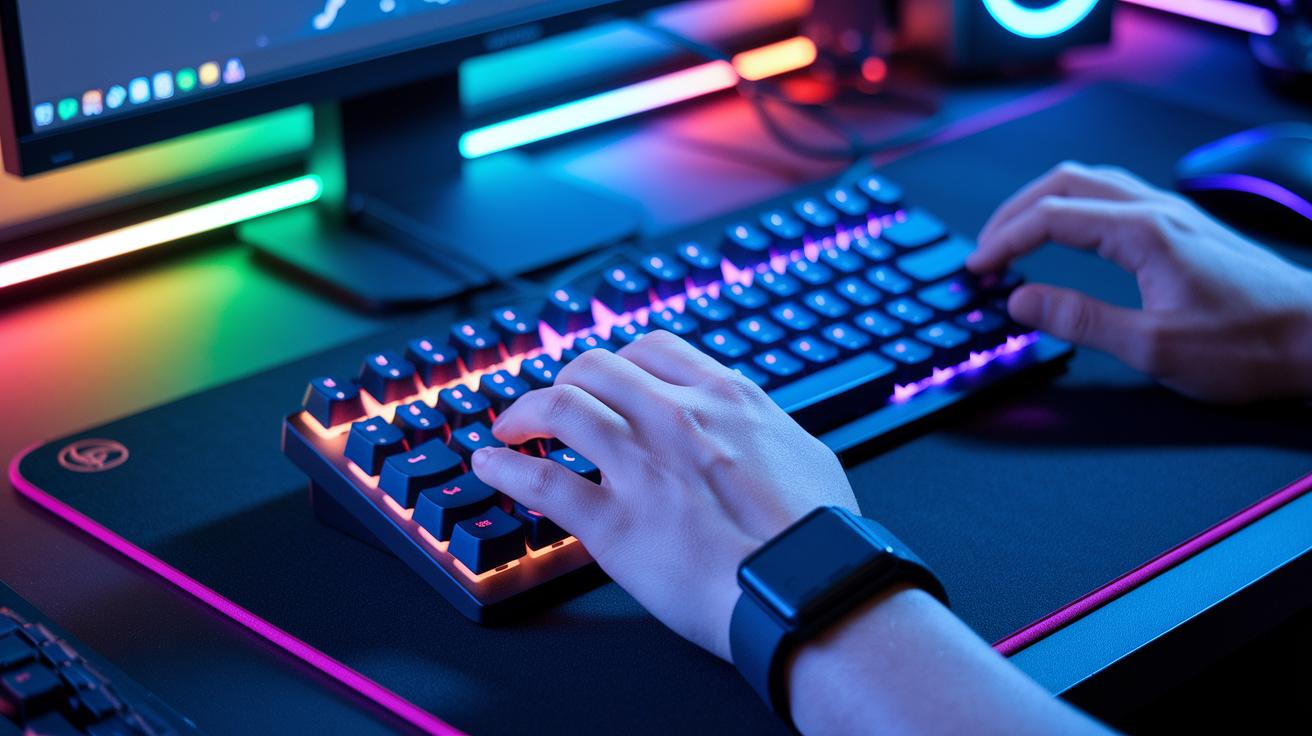
Tactile switches give you a clear bump (and sometimes a click) when you press a key, letting you know it has been activated. Linear switches, by contrast, offer a smooth keystroke without any physical interruption. Two important factors in gaming are actuation force (the pressure needed to trigger a key) and travel (the distance a key moves). A lower actuation force can result in faster key responses, while a tactile bump helps prevent accidental repeated keystrokes during fast gameplay.
Cherry MX switches are a common benchmark among gaming keyboards. For example, Cherry MX Blue switches use a 50 cN actuation force and deliver a clicky feel that many gamers enjoy. Meanwhile, Cherry MX Brown switches require 45 cN and provide a quieter, soft bump. Cherry MX Red switches also need 45 cN but offer a smooth, linear action ideal for rapid presses. Cherry MX Speed Silver switches even reduce the travel distance to 1.2 mm for an exceptionally fast input response. Think of it like playing a piano with clear, distinct keys versus sliding along a smooth line, each approach has its own appeal.
Other brands like Kailh, Gateron, Razer, Corsair, and Logitech offer their own versions with varied actuation forces and travel distances. They often adjust these factors to meet specific gaming needs, ensuring there’s a switch that fits your playing style perfectly.
Mechanical Keyboard Build Quality and Durability for Gaming
Solid build quality starts with the materials used on the outside. Many gaming keyboards use double-shot PBT keycaps that resist wear and keep their look even after long sessions. The frame typically features an aluminum-alloy backplate to give a sturdy feel and reduce bending. These quality parts not only look sharp but also ensure every keystroke feels consistent and satisfying during extended gaming.
A robust internal design is just as important. High-end models often include hot-swappable PCBs (printed circuit boards that can be easily replaced) with gasket-mount designs to lower vibrations and muffle noise. They also offer adjustable typing angles and integrated sound-dampening layers for extra durability. In our tests, these keyboards showed steady performance over many years of heavy gaming. With smart design and quality components, they are a reliable long-term choice for gamers who need performance and resilience.
Mechanical Keyboard Form Factor: Full-Size, TKL, and Mini

Full-size keyboards include a dedicated numeric keypad that comes in handy for both gaming and everyday tasks like data entry. For example, the Asus ROG Strix Scope II 96 Wireless offers tri-mode connectivity (wired, Bluetooth, and wireless) and a numpad that boosts your efficiency. Its layout makes it easy to access keys for smooth multitasking during long sessions.
Tenkeyless keyboards, or TKL models, drop the numeric keypad to save space. The Lemokey L3 is a good example, featuring a gasket mount (which helps reduce vibrations) and Gateron Jupiter switches, along with wireless support. This design helps clear up desk clutter while still delivering solid performance and leaving room for your mouse and other gadgets.
Compact mini keyboards take space-saving even further. Models such as the SteelSeries Apex Pro Mini Wireless focus on the essential keys in a 65- or 60-percent layout while still allowing you to swap switches easily. This smaller size gives you a clearer view of the game area, making it a smart choice for esports setups and fast access during competitive play.
Mechanical Keyboard Connectivity Options Compared
Picking the right connectivity option can really change your experience. The way your keyboard connects matters because it affects delay, stability, and how well it handles long gaming sessions. Wired connections almost eliminate delay (latency) and offer steady power, which is key when every millisecond counts in a game. In contrast, Bluetooth gives you the freedom to use multiple devices but may add a slight lag. The 2.4 GHz dongle, however, comes very close to the performance of a wired setup by keeping the delay extremely low, making it a strong choice for competitive play. For those who want a bit of everything, tri-mode keyboards mix Bluetooth, 2.4 GHz, and USB-C connectivity to cover all your needs.
| Mode | Latency | Battery Life | Pros | Cons |
|---|---|---|---|---|
| Wired | ~0 ms | NA | Stable, low latency | Cable clutter |
| Bluetooth | 8–16 ms | 20–40 h | Universal, multi-device | Slightly higher lag |
| 2.4 GHz | 1–2 ms | 20–100 h | Almost as fast as wired | Needs a dongle |
For competitive gamers, we suggest using 2.4 GHz whenever possible. It strikes a great balance between wireless freedom and the fast, nearly instantaneous response you need in a heated battle.
Mechanical Keyboard Lighting and Customization Features
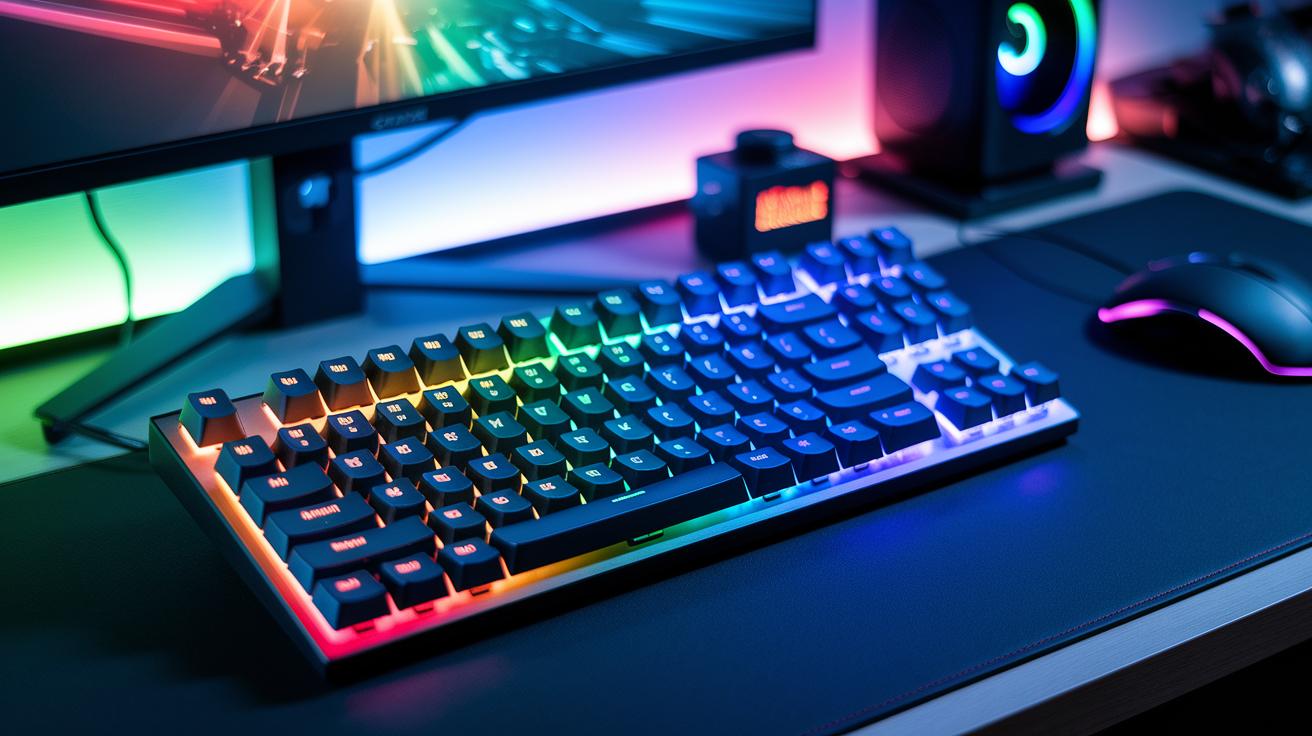
Mechanical keyboards with dynamic RGB lighting can really brighten your gaming space. They let you set the color for each key using tools like Razer Synapse, Corsair iCUE, and SteelSeries Engine. You can choose from preloaded lighting presets or create your own animations to match your mood, game, or theme. This level of control brings a lively feel to every keystroke.
Hardware customization is another strong point. Some models, like the Razer BlackWidow V4 Pro, include dedicated macro keys and a Command Dial. These controls let you quickly set up complex shortcuts and adjust lighting zones as you play. This means every press can be optimized to support your competitive gaming style.
The customization software is simple to use too. It syncs your settings across different platforms and even offers firmware updates that add new lighting effects and macro features. You can fine-tune everything from lighting animations to key responses using clear and easy-to-use software, ensuring a consistent and engaging gaming experience.
Mechanical Keyboard Price Ranges and Value Analysis
For those watching their spending, entry-level keyboards under $60 deliver crisp key responses and work smoothly with many devices. They’re a great pick for beginners looking to try competitive play without extra features, solid performance without the high cost.
Mid-range keyboards, costing between $60 and $150, offer extra functions that make a difference. They often come with extra macro keys, better build quality, and a refined look that can boost your gaming experience. It’s similar to upgrading from a basic water bottle to one with an ergonomic design, you get the essentials plus added comfort.
Premium models over $150 bring advanced switch designs, multiple connectivity options, and features like dynamic lighting. These keyboards justify the higher price with quick responsiveness and lasting durability. Think of it as moving from a bicycle to a sports car, you notice the power and precision right away.
Final Words
In the action, we examined top-rated mechanical keyboards through hands-on tests, covering performance, build quality, connectivity, lighting, and price tiers.
We measured key aspects like switch types, durability, and customization features to help narrow down the choices.
Our evaluation gives you a clear path to find the best mechanical keyboard for gaming that fits both your budget and style. Enjoy selecting a keyboard that boosts your play and elevates your setup with real-world performance insights.
FAQ
Q: What does the best mechanical keyboard for gaming entail?
A: The best gaming mechanical keyboard combines low input lag, solid build quality, and responsive keys. Top picks from Reddit and upcoming 2025 models often feature advanced connectivity and premium performance.
Q: What is the best budget mechanical keyboard for gaming?
A: The best budget gaming keyboards offer reliable performance and value. Models like the Keychron C3 Pro provide solid response and compatibility for gamers without a high price tag.
Q: What defines a top full-size gaming keyboard?
A: A full-size gaming keyboard includes a dedicated number pad and full key layout for enhanced functionality. Options like the ASUS ROG Strix Scope II 96 offer robust wireless and tri-mode features.
Q: What characterizes an effective wireless gaming keyboard?
A: Effective wireless gaming keyboards deliver low latency and steady connectivity. Models such as the Logitech G715 combine the freedom of wireless use with the performance gamers require.
Q: Which keyboards do pro gamers use?
A: Pro gamers opt for keyboards with low input lag, durable build, and responsive keys. Popular choices include the Corsair K70 RGB models and ASUS ROG series, which excel in competitive play.
Q: What does a 96% keyboard not have?
A: A 96% keyboard usually lacks the spacious separation of key clusters found in full-size boards, resulting in a compact design that integrates functions without distinct groupings.
Q: Is tactile or clicky better for gaming?
A: Tactile switches give a gentle bump without loud noise, while clicky switches offer audible feedback. Gamers should choose based on their need for subtle feedback versus distinct clicks.
Q: What are some popular gaming mechanical keyboards?
A: Popular models include Wooting 80HE Magnetic 75%, ASUS ROG Strix Scope II 96, SteelSeries Apex Pro Mini, Corsair K70 RGB TKL Champion, Logitech G715, and SteelSeries Apex 3 TKL, each offering unique features for gaming.
