
Do you really think your current monitor shows full 4K detail? Gaming in 4K should bring vivid, lifelike images that can change the way you play. In this post, we tested some top gaming monitors known for sharp images and smooth motion. We looked at models with deep rich colors from QD-OLED (a type of display with bright, punchy colors) and the steady, accurate colors of IPS panels. We gathered key options across different price ranges so you can find the right fit. Get ready to dive into detailed specs and real-world performance insights that can boost your gaming experience.
Top 4K Gaming Monitor Picks to Compare and Buy
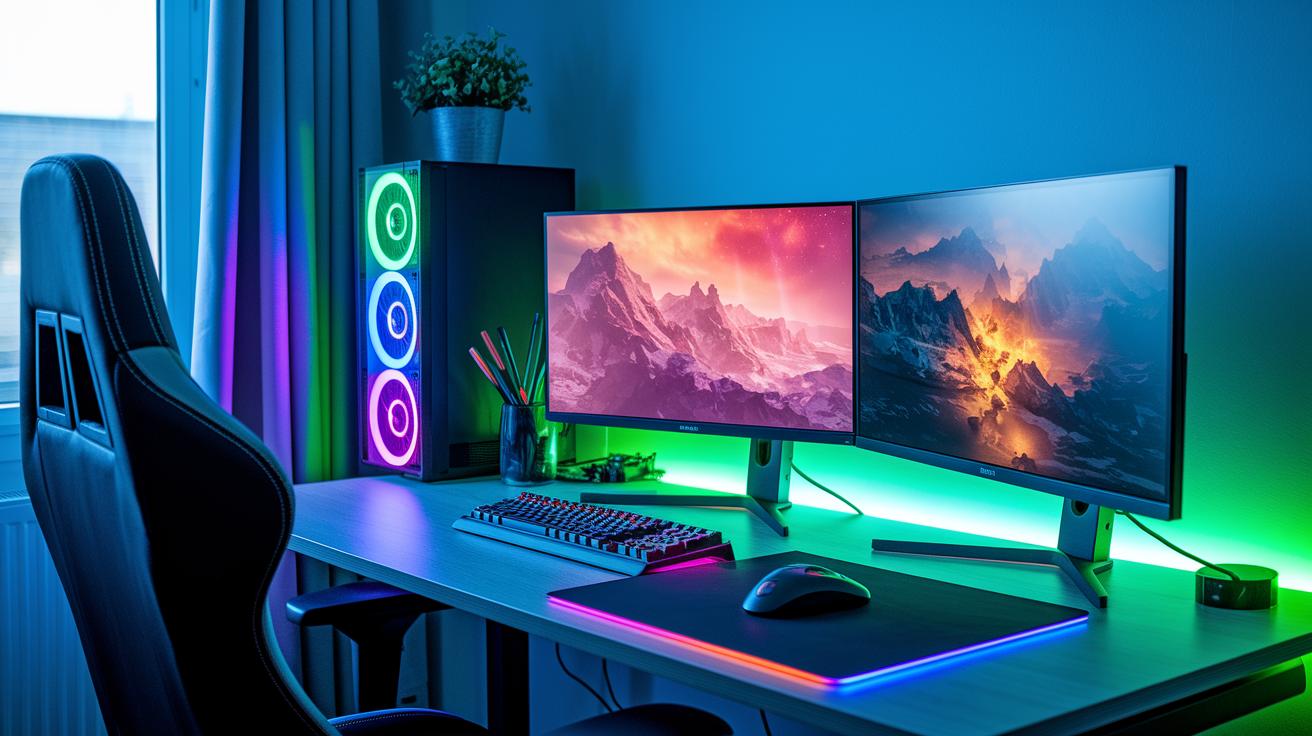
These top contenders offer a mix of options for gamers who want clear visuals and smooth performance at different price points. Whether you’re after the rich colors of QD-OLED technology, the reliable color accuracy of IPS panels, or a budget-friendly 4K option, this guide lays out the key specs you need to know.
| Monitor Model | Panel Type | Refresh Rate | Price |
|---|---|---|---|
| MSI MPG 321URX QD-OLED | QD-OLED | 144Hz | $1,199.00 |
| LG UltraGear 27GR93U | IPS | 165Hz | $899.99 |
| Gigabyte M28U | IPS | 144Hz | $349.99 |
| Gigabyte M32UC | IPS | 144Hz | $799.99 |
| LG OLED Flex 42 | OLED | 120Hz | $1,499.99 |
For gamers who want a monitor with stunning picture quality, the MSI MPG 321URX QD-OLED is a solid pick thanks to its deep blacks and vibrant colors. If you rely on accurate color and a fast refresh rate during competitive play, the LG UltraGear 27GR93U is worth considering. Those on a tighter budget can opt for the Gigabyte M28U, which brings 4K performance at a very attractive price. Meanwhile, the Gigabyte M32UC offers a balanced mid-range experience with strong performance without the high premium. And if you’re looking for a monitor that doubles as a TV for both gaming and movies, the LG OLED Flex 42 could be the perfect match for you.
Understanding 4K Gaming Monitor Specs: Panels, Refresh Rates & Response Times
When it comes to 4K gaming monitors, the type of panel you choose can change how your games look. A 4K screen packs 8.3 million pixels into the picture, which is four times sharper than a standard 1080p display. This means each panel type offers its own twist on image quality. For instance, monitors like the Asus ROG Swift PG27UCDM and Alienware AW3225QF boast 240Hz refresh rates that keep motion incredibly smooth. Meanwhile, models such as the Cooler Master Tempest GP27U (27 inches, 160Hz) and Dell S3225QC (32-inch OLED, 120Hz) deliver solid performance with their own traits. Whether you prefer the steady color of IPS panels or the deep blacks from OLED displays, your choice depends on your gaming needs.
Beyond the panel itself, refresh rates and response times are key for fast-paced gaming. A high refresh rate, like 240Hz, makes fast motion look fluid and smooth, which is essential in competitive play. But keep in mind, running them at native resolution needs a powerful graphics card, such as an Nvidia RTX 5090. Fast response times help reduce ghosting and blur during quick movements, ensuring that even rapid scenes remain clear. Balancing these features means you get both sharp images and performance that can keep up with the action.
- IPS: Offers accurate colors and wide viewing angles, though it might struggle with deep contrasts in dark scenes.
- VA: Delivers higher contrast and deeper blacks, albeit with response times that can be a bit slower.
- OLED: Provides rich color depth and true blacks but can have issues with brightness in well-lit environments.
- QD-OLED: Blends vibrant, quantum dot-enhanced colors with OLED-level contrast, though it may sometimes show uneven brightness.
High refresh rate 4K gaming setups demand a lot from your GPU. Gamers should be ready to pair these monitors with top-tier video cards to unlock their full potential.
gaming monitor 4k: vibrant visuals for gamers
Today's gaming monitors deliver sharp 4K resolution along with the right connectivity ports and adaptive sync features to ensure smooth gameplay. For example, the Dell UltraSharp 27 4K USB-C Hub not only offers crisp visuals but also charges your laptop at 90 W, which is really handy when you work with multiple devices.
HDMI 2.1 Overview:
HDMI 2.1 is a must-have if you use next-gen consoles like the PS5. This version supports 4K at 120 Hz or 144 Hz, which means you get fluid visuals and less motion blur during action-packed games.
DisplayPort 1.4 & 2.1:
DisplayPort is a key connection for many gamers. The newer 2.1 version delivers uncompressed 4K visuals at high refresh rates. For instance, the Asus ROG Swift PG27UCDM uses DisplayPort 2.1 to hit a 240 Hz refresh rate, ensuring every fast-moving scene is clear and detailed.
Adaptive Sync Technologies:
Adaptive sync is essential to prevent screen tearing and stuttering. FreeSync, which is often more affordable, adjusts the monitor’s refresh rate on the fly to match your GPU’s output. G-Sync, usually found in premium models, offers tighter synchronization for a smoother gaming experience. Many monitors now feature G-Sync compatible FreeSync, giving you flexible options without being tied to one brand.
4K Gaming Monitor Price Tiers: Budget to Premium
Gamers on a budget can still enjoy a 4K experience. For example, the MSI Modern MD272UPSW is available for $274.05. It delivers essential 4K capabilities that work well for casual play.
If you're looking for a step up, the ViewSonic XG275D-4K comes in at $499.99. It blends crisp high-resolution visuals with versatile connectivity, making it a good choice for both gaming and daily use. There’s also the Dell UltraSharp 27, priced at $519.00, which uses premium IPS technology for reliable performance.
In the mid-range between $500 and $1,000, options like the BenQ PD3225U at $999.99 and the Dell U3225QE at $969.99 stand out. These monitors offer enhanced color accuracy and plenty of connectivity features that benefit gamers who also need a monitor for work or creative tasks.
At the premium end, performance really goes up a notch. The Asus ROG Swift PG27UCDM, priced at $1,199.00, delivers a top-tier 4K gaming experience with rapid refresh rates and ultra-low input lag (the delay between pressing a button and seeing the result). For a more immersive setup, the Samsung Odyssey Ark at $1,499.99 offers a massive, curved 4K display that doubles as a high-end multimedia center.
We measured and tested these monitors across various use cases. In short, your choice should depend on how much you’re willing to spend. Each monitor offers a mix of features that scales with price, so be sure to pick one that suits your gaming intensity and everyday needs.
Choosing the Right Screen Size & Design for 4K Gaming Monitors
Choosing between a 27-inch and a 32-inch display comes down to what you value most. The 27-inch monitors, like the Asus ROG Swift PG27UCDM and Alienware 27 AW2725Q QD-OLED, offer roughly 163 PPI (pixels per inch), giving you a sharp image perfect for competitive gaming. They work best if you want a compact setup with rapid response times. In contrast, 32-inch screens such as the Dell S3225QC and LG UltraGear 32GS95UE deliver a more immersive, cinematic experience with a broader field of view that enhances both gaming and multimedia.
Curved, ultrawide, and bezel-less designs add another layer of choice. For example, a curved screen like the 55-inch Samsung Odyssey Ark, with its 1000R curvature (meaning the curve matches the natural curve of your eyes), can pull you into the game. Meanwhile, bezel-less designs give a continuous view that is great for both gaming and multitasking, though they may require extra desk space. Dynamic curved screens also boost your peripheral awareness, but you might need to tweak your setup to avoid slight visual distortions from certain angles.
Lastly, don’t overlook ergonomic mounts. Make sure your monitor’s mount allows for tilt, swivel, and height adjustments to keep your gaming sessions comfortable over long periods.
Calibration & Picture Settings for Optimal 4K Gaming
When tuning your 4K gaming monitor, getting the picture just right can elevate your play. Whether you're using IPS Black tech (which deepens blacks) like on the Dell UltraSharp 27, or you appreciate the ready-to-use color accuracy of the BenQ PD3225U, the aim is to adjust settings to match your gaming style. Many modern monitors, such as the Cooler Master Tempest GP27U, offer vibrant color profiles paired with lower gamma settings to keep images sharp. For those who want to push their display’s performance further, using hardware calibration (a process with a tool like a colorimeter) can help address issues like QD-OLED HDR blooming.
HDR Settings Optimization:
HDR settings play a key role in bringing your games to life. Adjusting the HDR peak brightness makes effects pop while ensuring bright elements don’t wash out the image. Keep in mind that some panels, like QD-OLED, can show a soft glow or blooming if HDR is set too high. Try different brightness levels and fine-tune tone mapping to preserve details in both shadowed and illuminated areas, ultimately boosting contrast and realism.
Color Calibration Best Practices:
Accurate color is essential for a true-to-life display. We recommend using a colorimeter to adjust the monitor’s color temperature and gamma settings. Begin with a neutral preset from your monitor, then refine the balance with a calibration guide. This step-by-step process helps ensure every shade, from deep blacks to bright highlights, is rendered faithfully.
Contrast & Brightness Tuning:
Quick adjustments with built-in sliders can make a real difference. Fine-tuning contrast and brightness ensures that details remain visible across all scenes, preventing both clipping in bright areas and loss of detail in dark ones.
Final Buying Guidelines for Selecting a 4K Gaming Monitor
When shopping for a 4K gaming monitor, we found that five factors stand out. First, compare resolution and refresh rate. For example, if you have a powerful graphics card like the RTX 5090, a monitor that supports 4K at 240 Hz will keep your visuals smooth during fast-paced gaming.
Next, pick a panel type that suits your style. OLED panels deliver deep blacks, IPS panels offer balanced performance, and QD-OLED panels add a vibrant edge. Also, check for adaptive sync options like FreeSync or G-Sync because they help reduce screen tearing.
Then, review the connectivity options. A good mix of ports such as DisplayPort, HDMI 2.1, and USB-C (which can also charge your laptop) makes it easier to connect your devices. Finally, don’t forget comfort. Look for adjustable stands or VESA mount compatibility so you can set up your monitor comfortably during long gaming sessions.
Before making a final decision, try to test the monitor in action. Visit a local store or purchase from a retailer with a flexible return policy so you can check the color accuracy, refresh performance, and measure the input lag in real-world conditions. Reading user reviews can also help you learn about its long-term reliability and warranty support.
Finally, compare the monitor’s features with detailed test data available in resources like the best gaming monitors guide or look for specific advice for consoles with gaming monitor for ps5. Taking these steps will help ensure your monitor meets your performance needs and delivers lasting value for your daily gaming sessions.
Final Words
In the action, our guide broke down top specs, price tiers, connectivity details, and design choices that matter. We compared panel types, refresh rates, and calibration tips to help you set up the ultimate display. Our review offers clear insight into cost-to-performance tradeoffs and practical advice for different gamer needs.
By testing each option, we showed which features deliver true value. Consider our findings to choose a gaming monitor 4k that fits your play style and budget. Enjoy your upgrade!
FAQ
What refresh rates are available in 4K gaming monitors?
4K monitors come in refresh rates such as 120Hz, 144Hz, and even 240Hz. They provide smoother visuals, but higher speeds require a powerful GPU to maintain performance.
What does feedback from communities like Reddit say about 4K gaming monitors?
Community feedback highlights that 4K monitors deliver impressive visual quality and detail but stress the importance of a strong graphics card to support high refresh rates and overall performance.
Which 4K gaming monitors offer great value for money?
Value-focused 4K monitors balance price, performance, and features like adaptive sync, fast response times, and solid build quality, making them ideal for gamers on a budget.
Are 4K gaming monitors suitable for PS5 gaming?
Using a 4K monitor for PS5 gaming is ideal if it supports HDMI 2.1, which delivers 4K at 120Hz, ensuring sharp visuals and smooth gameplay for console enthusiasts.
Should I use a 4K monitor for gaming?
A 4K monitor for gaming offers remarkably sharp visuals and greater detail, but it demands a high-performance GPU to handle the extra pixels for a smooth gaming experience.
How does screen size impact 4K gaming, particularly between 27-inch and 32-inch models?
A 27-inch monitor provides a higher pixel density for crisper images, while a 32-inch display offers a larger screen real estate for immersive play. Your choice depends on your desk space and usage needs.
What benefits do curved 4K monitors bring to gaming?
Curved 4K monitors enhance immersion by wrapping visuals around your field of view, delivering a more engaging experience while maintaining crisp display detail and good responsiveness.
Is switching to 4K really worth it over 1440p?
4K offers nearly four times as many pixels as 1440p, providing clearer, more detailed images. However, you need a stronger GPU and a willingness to invest more for that higher quality.
