
Ever wondered if building your own gaming PC could actually save you money? We compared the numbers: a prebuilt system is about $829, while a DIY build runs around $479, a savings of roughly $350.
In our review, we break down the cost of each component and guide you through simple assembly steps. We tested the performance to make sure the DIY option still delivers smooth gameplay. Read on to see if building your own rig is the budget-friendly choice you’re looking for.
Building vs Buying: Cost Comparison of Gaming PC Options

If you're wondering whether it's cheaper to build your own gaming PC, the numbers speak clearly. A typical MSI RTX 5050 prebuilt system goes for $829 on Newegg, while a similar DIY rig costs about $479. In simple terms, building your own system can save you more than $350 while still delivering solid 1080p game performance.
The price gap comes down to a few key differences. When you build your own system, most of your spending goes to the CPU, GPU, and other core parts. PCPartPicker shows that custom builds usually cost less overall. Prebuilt systems, on the other hand, benefit from manufacturers buying parts like RAM and SSDs in bulk, which helps keep prices competitive. However, the extra savings with a DIY build require investing time and effort in planning and handling any troubleshooting that comes up during assembly.
Key factors to consider:
- DIY builds let you choose exactly the parts you need.
- Prebuilt systems offer warranties and are ready to use out of the box.
- Custom builds save money, but require thoughtful planning and several hours of work.
- Current trends suggest that RAM prices might rise around December 7, 2025, which could affect future build costs.
Overall, if you’re comfortable with the DIY process, building your own PC is the more budget-friendly option. Yet, if you value the ease of a ready-to-use system and the security of a manufacturer’s warranty, a prebuilt machine might be the better choice for you.
Breakdown of DIY Gaming PC Component Costs

When building a budget gaming PC, most of your money goes to a few key parts that drive performance and keep the system stable. We pick each component to give you the best performance without overspending. In our build, the CPU and GPU are top priorities for smooth 1080p gaming, while the other parts help control overall costs without cutting quality.
Here are the six main parts we used, along with their prices and roles:
- Intel i3-12100F CPU – Priced just under $100. It delivers strong single-core speed, which is vital for responsive gameplay.
- Intel Arc A580 GPU – Offers solid performance that can sometimes outdo the AMD Radeon RX 6600 at a lower price, making it a smart pick.
- 16 GB DDR4-3200 Memory Kit – A cost-effective option to provide enough speed and capacity so games and apps run smoothly.
- Team Group 512 GB SATA SSD – A reliable, low-cost storage solution for quick boot times and fast load speeds.
- Intel Laminar RM1 Stock Cooler and Basic Case – An affordable cooling setup that keeps airflow and temperatures in check without extra expense.
- Thermaltake Smart Series 500 W Power Supply – Chosen for its low cost, this supply gives steady power to all the components, leaving more budget for essential parts.
By focusing only on what matters, this DIY build is ideal for gamers who want a reliable system without breaking the bank.
Performance per Dollar: Maximizing Value in Your Gaming PC Build
When building a gaming PC on a budget, focus your spending on the parts that matter most for smooth, 1080p play. We suggest putting your money into a solid CPU like the i3-12100F and a capable GPU such as the Arc A580. These two components are the heart of your system and deliver the performance you need for a steady experience.
Stick with 16 GB of DDR4-3200 memory. This choice keeps your costs low yet provides reliable speeds for gaming. To save on storage costs, consider a 512 GB SATA SSD. It may not be the fastest option available, but it offers acceptable load times without breaking your budget.
For cooling and case design, using stock coolers and basic cases is a smart move. They keep your system running within safe temperature limits while trimming expenses. And if you're new to building a gaming PC, plenty of step-by-step guides out there can walk you through the process.
| Tactic | Benefit |
|---|---|
| Focus on CPU and GPU | Delivers the core gaming performance needed for smooth 1080p play |
| Choose 16 GB DDR4-3200 | Keeps costs down without slowing game performance |
| Select a 512 GB SATA SSD | Provides cost-effective storage with acceptable load times |
| Use stock coolers and basic cases | Saves money while keeping temperatures in check |
How Market Trends Affect Pre-built and Custom PC Pricing

Market trends shape the price difference between pre-built gaming PCs and DIY setups. Pre-built makers can lower costs by using bulk-bought parts like RAM and SSDs. They stockpile these components, which lets them offer lower prices compared to building your own rig, where you pay full price for each piece.
At the same time, the cost of DIY components is on the rise. Current shortages in RAM and new tariffs are pushing DIY prices higher. Data from PCPartPicker suggests that prices might get even steeper around December 7, 2025, as tighter supplies kick in. This can quickly diminish any savings a self-builder might expect.
Key factors to note:
- Pre-built systems benefit from buying in bulk and clearing out old stock.
- DIY builds face higher costs due to shortages and tariffs.
- As supply and demand shift, the pricing edge of building your own PC may disappear.
Situations Where Buying Pre-built Beats a DIY Gaming PC
If you want a ready-to-use PC backed by warranties and quality checks, a pre-built system is a strong choice. Manufacturers test every component to work together, so you skip the hassle of research and assembly. This is great if you need a machine fast for gaming or work.
Sometimes finding good deals on individual parts becomes a headache. When prices for things like GPUs and CPUs suddenly rise or discounts vanish, a pre-built PC might even cost less than building one yourself. These systems go through thorough testing, which means you avoid issues with compatibility or setup mistakes.
Here are key situations where a pre-built system wins:
- It comes with solid manufacturer warranties to cover unexpected failures.
- It helps you bypass cost hikes from scarce component discounts.
- It saves you valuable time when meeting tight deadlines is crucial.
If you value saving time over small cost differences, a pre-built gaming PC is a smart option.
Long-Term Savings and Upgrade Potential with Custom PC Builds

Building your own gaming PC can really save you money in the long run. With a custom build, you upgrade only the parts you need instead of replacing the whole system. When new technology comes out, you can just swap the GPU or add more RAM (memory used for running programs) instead of buying a new computer. This approach lets you spend money only on the areas that boost performance.
Over several upgrade cycles, custom builds usually cost less than pre-built systems. You avoid the high cost of an entirely new machine by investing in upgrades piece by piece. Many experienced gamers tell us that customizing their rigs gives them better value for the money while reducing waste from unused components.
Key benefits of custom PC builds include:
- Swap components individually: Upgrade the GPU or RAM to meet new game demands without redoing your entire setup.
- Incremental spending: Distribute your budget over time rather than making one large purchase.
- Tailored efficiency: Choose only the upgrades that matter to your gaming needs, so you aren’t paying for unnecessary performance.
If you’re planning future upgrades, it’s smart to pick parts designed for easy replacement. Check out the "what to look for in a gaming pc" guide for tips on parts that help you save more in the long run.
A DIY gaming rig not only meets your needs today but also lets you extend its life with smart, cost-effective upgrades tomorrow.
Tools and Calculators for Accurate DIY Gaming PC Budgeting
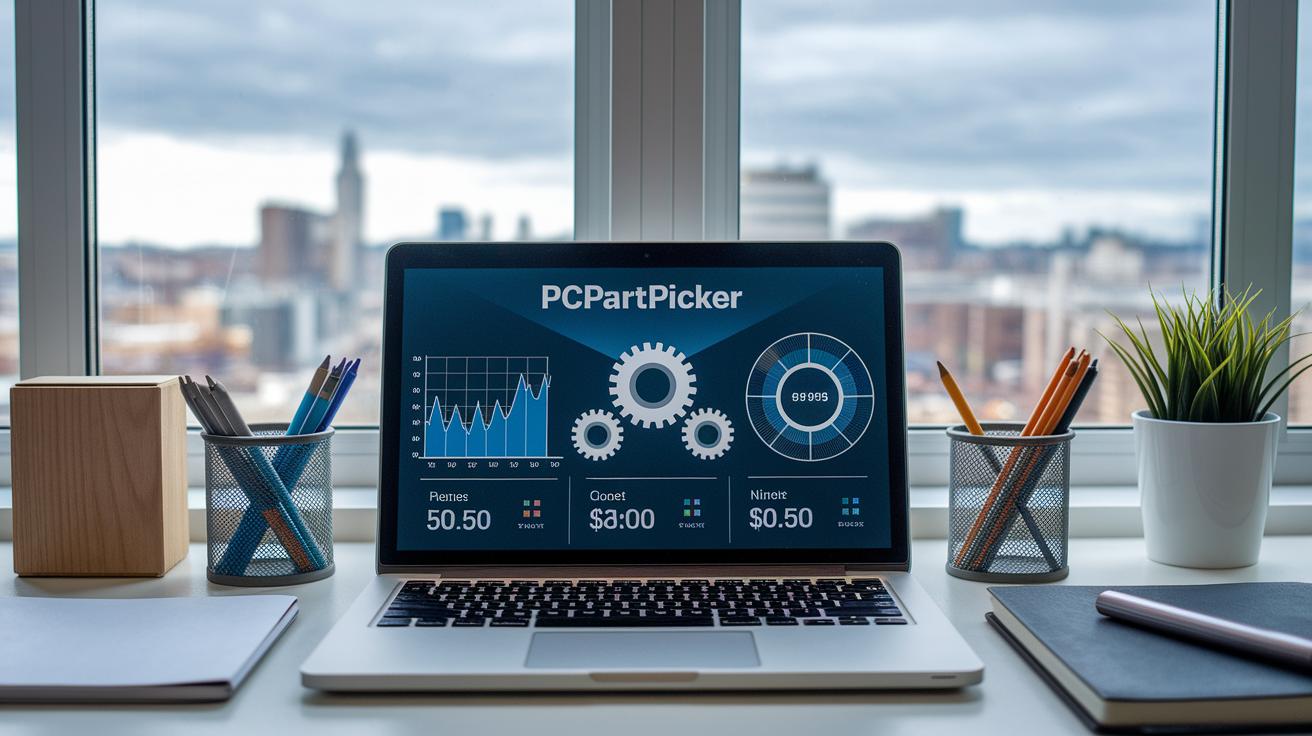
When planning your DIY gaming PC build, web calculators make budgeting a lot easier. PCPartPicker is a well-known tool that gives you real-time price tracking, checks if parts work together, and even estimates shipping and taxes. This way, you avoid surprises and know that your components are compatible.
There are free calculators online that help you see your final build cost. They include extra fees like sales tax and shipping so you get an accurate total. These tools are a must if you're following a tight budget.
Online part selectors can also find bundled deals and discounts that you might miss at first. They let you compare prices fast and help you stick to your budget while still getting good performance and value.
Key strategies include:
- Using web calculators to include every cost.
- Taking advantage of online part selectors for bundled deals.
- Using system cost calculators to avoid overspending.
Final Words
In the action, we compared custom builds against pre-built systems by breaking down component costs and market trends. We examined key parts like the CPU, GPU, and storage while detailing smart tactics to squeeze every dollar of gaming performance. We weighed the benefits of warranties and the ease of upgrades in pre-built systems versus DIY kits. Our findings show that when asking, is it cheaper to build a gaming pc, the answer depends on current deals and personal priorities. Optimizing your setup remains a rewarding, practical endeavor.
