
Overwhelmed by all the TV options out there? There are so many choices for screen sizes, display types (like LCD and OLED), and smart features that picking the right one might seem confusing. This guide cuts through the clutter to offer clear, tested recommendations for modern homes. We explain the basics of LCD, OLED, and 4K in everyday language, so you can easily choose a TV that matches your needs and budget. Whether you're streaming, gaming, or watching your favorite shows, you'll find the practical advice you need to make a confident choice.
Comprehensive TV Buying Guide Overview
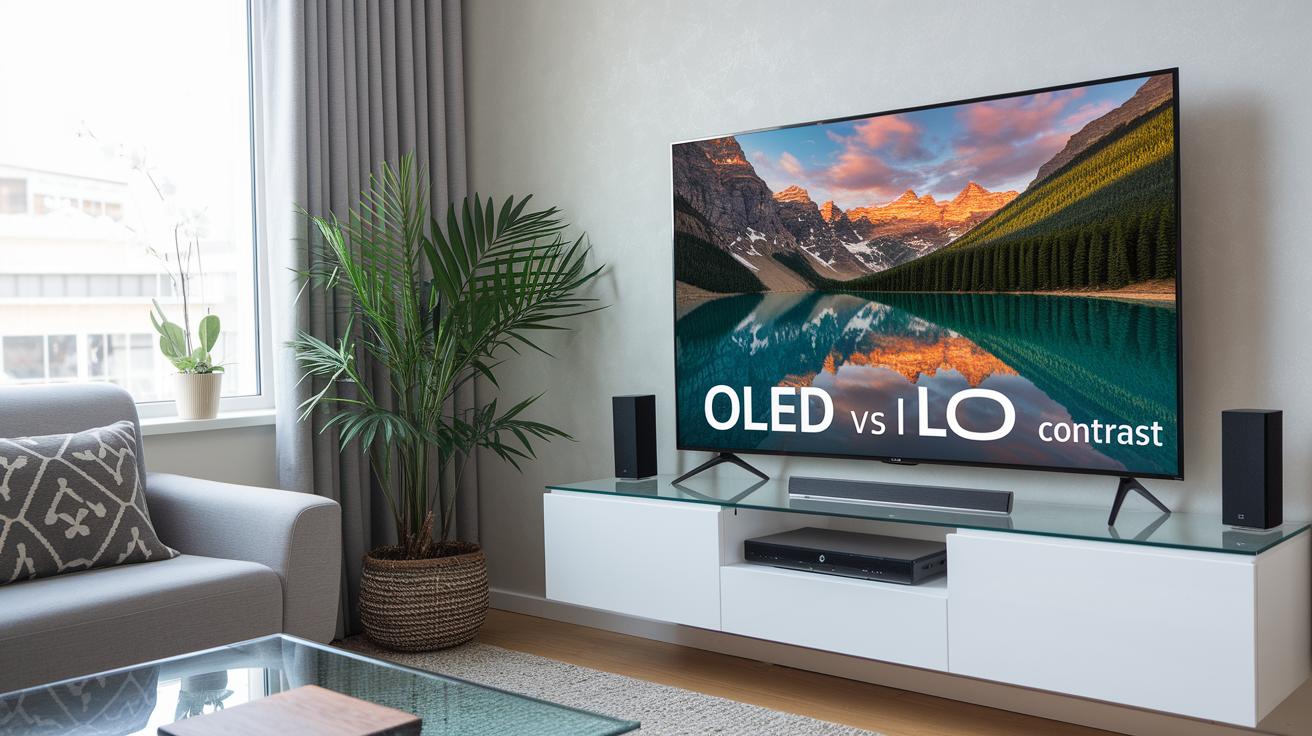
When picking a new TV, start by looking at the display type, screen size, resolution, and smart features. You usually choose between LCD panels, which are more affordable, and OLED screens, which light up each pixel individually for better contrast even when viewed from the side. For bigger screens (over 42 inches), 4K resolution is recommended, though some TVs offer 8K for specific needs. Smart TVs come with built-in streaming apps, but you can still use an external media streamer if you prefer a different setup. For most living rooms, screens between 40 and 49 inches are a good fit if you plan carefully.
Price often ties directly to the technology used. Budget options usually feature LED LCD panels that work fine for everyday viewing. As you spend more, you can find premium OLED and QLED models, which provide advanced HDR (high dynamic range for better color and contrast) along with wider color ranges and brighter highlights. Simply put, a basic 4K TV might be enough for casual watching, but a premium model delivers faster refresh rates and a generally sharper image. This way, you can choose a TV that matches both your viewing habits and your budget.
Later sections will dive into installation, audio, and after-sales details. We'll cover tips on mounting your TV, whether you want a wall mount to save floor space or a stand that fits your furniture, and how to improve sound with a soundbar using HDMI eARC (a connection that allows high-quality audio). Plus, we'll explain what to expect from warranty terms and software updates to keep you happy in the long run.
TV Display Technologies Comparison
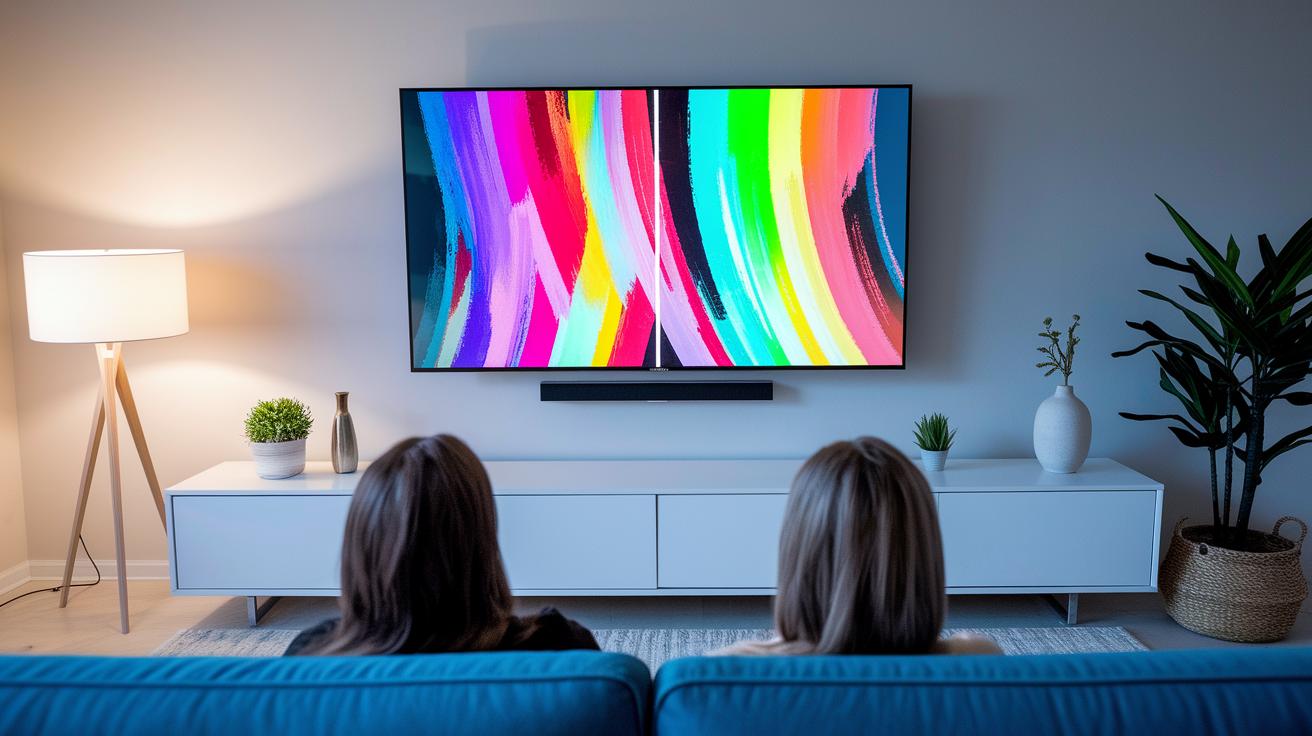
Display technology plays a key role in how you enjoy your favorite shows, sports, or games. The type of panel you choose affects contrast, brightness, and color accuracy, so it's important to match your TV to your viewing habits and budget.
| Display Technology | Advantages | Drawbacks |
|---|---|---|
| LED | Cost-effective and easy to find | Relies on backlit LCD panels, leading to lower contrast |
| QLED | Quantum dots deliver richer colors and higher brightness | Depends on backlighting, so blacks aren’t as deep as OLED |
| Mini LED | Thousands of tiny LEDs help improve local dimming and black levels | Generally pricier than standard LED with potential issues in backlight uniformity |
| OLED | Self-emitting pixels create deep blacks and wide viewing angles | Risk of burn-in and a higher cost due to complex manufacturing |
| Micro LED | Individual micro-pixel control offers unmatched contrast | New technology with a very high price tag and limited availability |
When choosing a TV, consider your viewing environment and how you will use it. If you are after immersive visuals with deep blacks and spot-on color, OLED is a strong choice, its per-pixel lighting benefits can be checked out further at how do oled tvs work. In brighter rooms or for gaming and sports, QLED or Mini LED models may suit you better with their high brightness. Meanwhile, Micro LED brings top control and contrast but is usually over the top for most budgets. For those on a tighter budget, standard LED TVs continue to be a reliable option without breaking the bank.
TV Buying Guide: Smart Picks for Modern Living
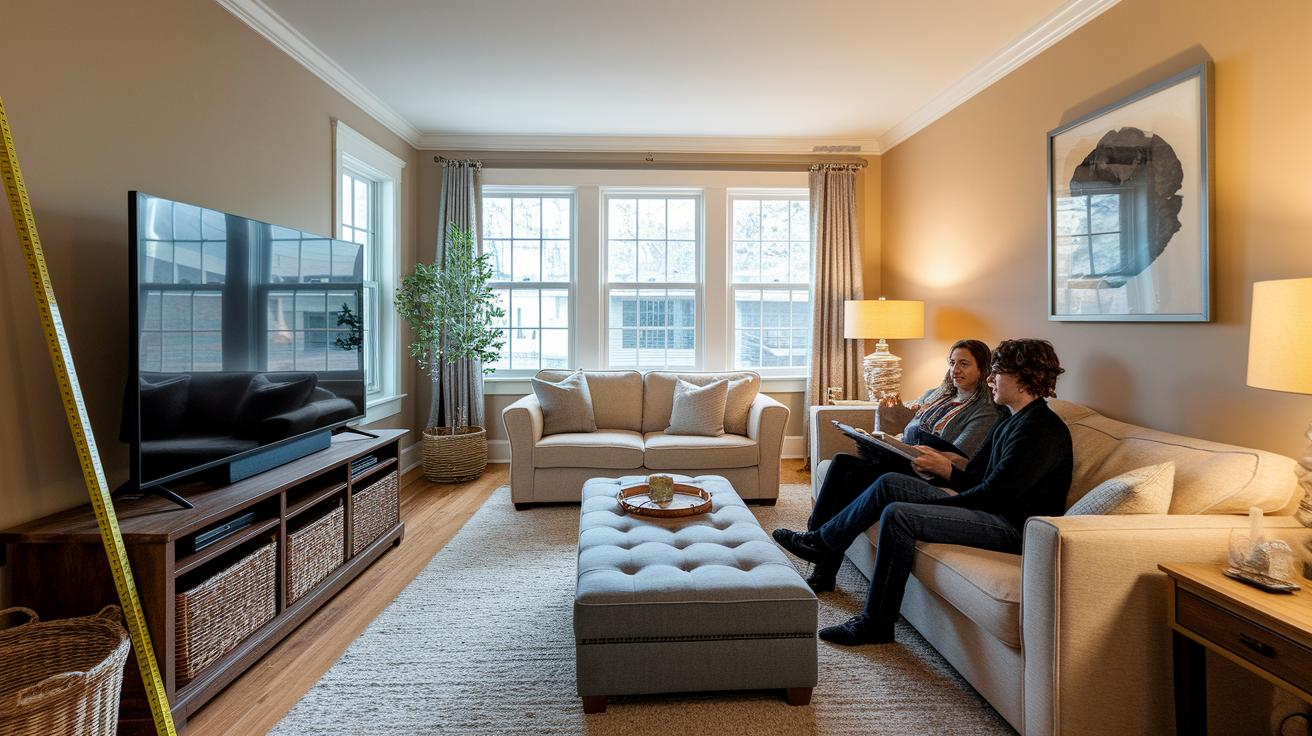
Choosing the right TV size can change how you enjoy movies and games. A properly sized screen makes your favorite shows feel more engaging while keeping everyday viewing comfortable. It can even change the vibe of your room, making it feel cozier or more spacious based on where you sit and how your room is set up.
Here are some tips to help you pick the right size:
- Measure your viewing distance and use that to calculate the best screen size.
- Check that the seat height lines up with the screen's center.
- Arrange your furniture so nothing blocks your view.
- Consider your room's width and look out for glare from lights or windows.
- Leave extra space for cables and vents to keep everything cool.
Finding the balance between looks and function is key. For small spaces like kitchens or bedrooms, a 32-inch TV might be perfect. In a larger living room, a 55-inch or bigger screen can bring a real cinematic feel. Overdoing it with a screen that’s too big in a small room could cause eye strain, while a small TV in a big room might seem lost. By measuring carefully and thinking about how your room works, you can set up a TV that looks good and works well for your needs.
TV Resolution, HDR & Picture Quality Insights
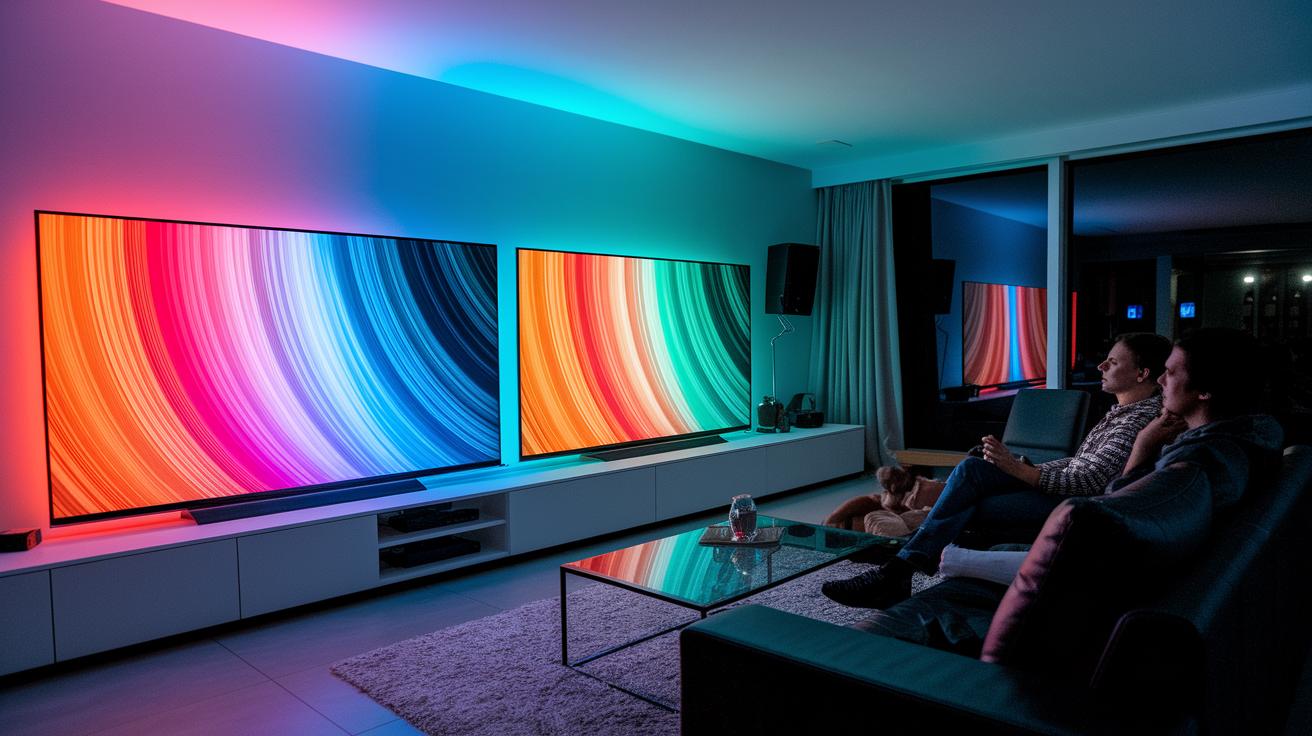
4K UHD (3840×2160) is the go-to resolution for many screens over 42 inches because it packs four times more pixels than 1080p. This extra detail makes films and games look sharp and lifelike, giving you a more immersive viewing experience.
8K UHD (7680×4320) pushes the limits with even more pixels for stunning clarity. However, the extra detail often goes to waste since there is not much native 8K content available and prices are higher. In short, most people will find that a well-calibrated 4K TV offers everything they need.
HDR formats like HDR10, Dolby Vision, and HLG boost picture quality by enhancing both contrast and color. With peak brightness of 600 nits or more, these standards deliver bright highlights and deep shadows. The wider color range makes bright scenes pop and ensures dark scenes stay detailed. This combination makes movies, sports, and games feel much more vibrant and engaging.
Smart TV Features & Connectivity in the Buying Guide
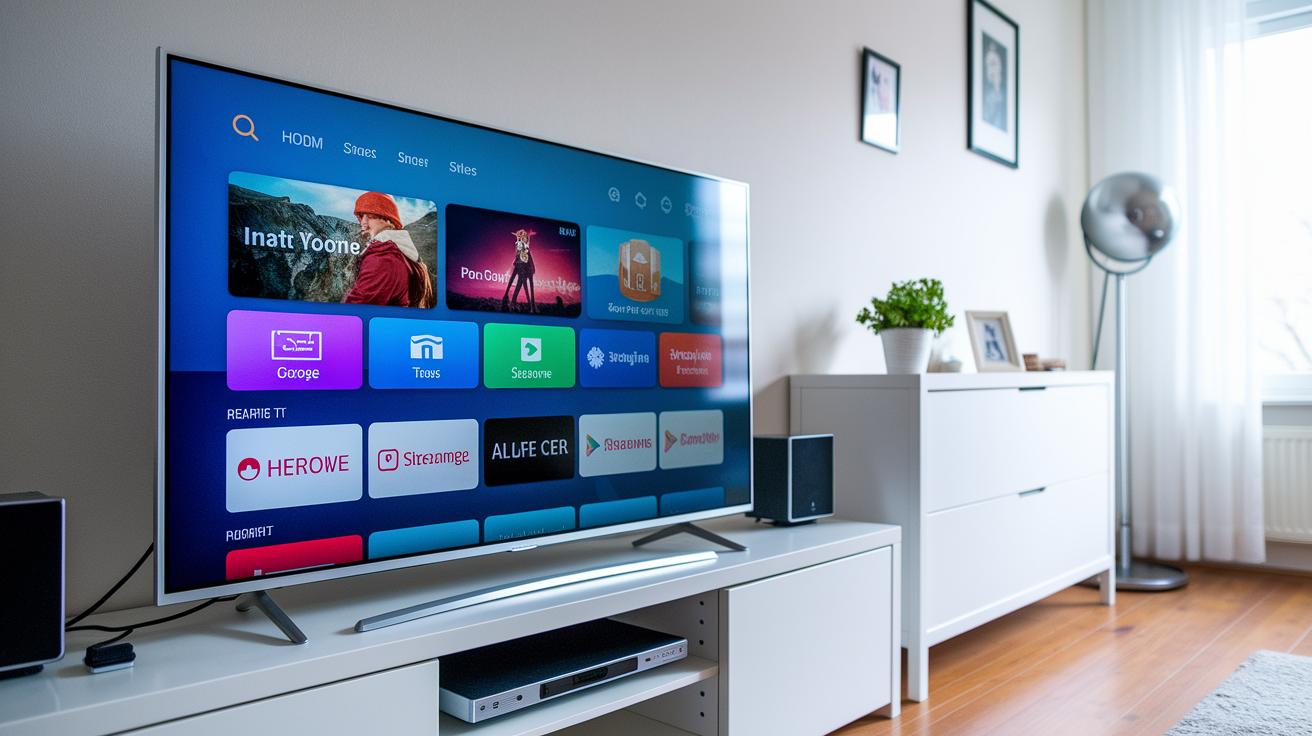
Modern smart TVs run on systems like Tizen OS, webOS, Google TV, and Roku TV. Each offers its own interface with an app store that gives native access to popular streaming services such as Netflix, Disney+, and Prime Video. We found that clear menus and simple navigation let you switch apps, stream multiple channels, and use voice commands with ease.
Connectivity is a big part of what makes a TV perform well. Many models now include HDMI 2.1 ports, which are key for smooth 4K gaming at 120 Hz. They also come with HDMI ARC or eARC ports to ensure that your soundbar or A/V receiver delivers high-quality audio. Plus, extra ports like USB and optical make hooking up older devices and backup media easy.
Wireless features complete the experience by offering built-in Wi-Fi 5 or 6 and Bluetooth, so streaming and linking to external speakers remain stable. Voice control also lets you make quick adjustments without reaching for the remote. While some users may choose an external streaming device for a different interface, modern TVs usually handle all your streaming and connectivity needs on their own. Overall, smart connectivity makes setup simple and gives you a smooth, modern viewing experience.
Gaming & Entertainment TV Buying Guide Choices
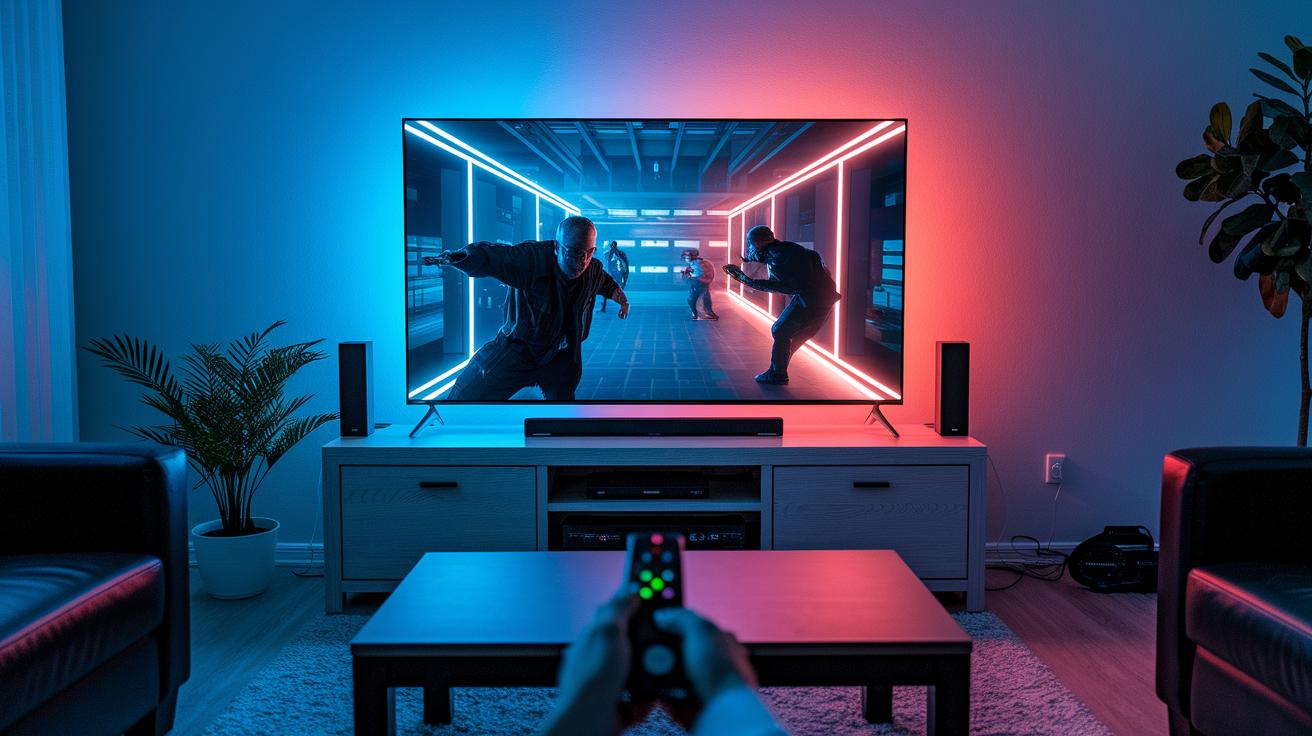
Gamers should choose TVs that offer a minimum of 120 Hz (refresh rate, which updates the screen up to 120 times per second) for consistently smooth action scenes. For those with high-end gaming PCs, some TVs can achieve refresh rates between 144 and 165 Hz, enhancing fast-paced gameplay. Keeping input lag (the delay between pressing a button and seeing a response on screen) under 20 ms is crucial for a responsive experience.
HDMI 2.1 is another must-have feature since it supports features like VRR (variable refresh rate, which adjusts the display's refresh to match the frame rate) and ALLM (auto low latency mode, which automatically minimizes delay). This setup makes it possible to enjoy 4K gaming at 120 Hz, ensuring a fluid and immersive gaming experience for both competitive and casual players.
For movie and sports enthusiasts, TVs with dynamic picture and cinema modes are essential. These settings ensure accurate colors, deep blacks, and vivid highlights. HDR cinema modes boost contrast and color depth, while motion smoothing minimizes blur during rapid movements, so you can catch every detail. Additionally, many TVs now work seamlessly with soundbars or home theater receivers, providing an audio experience that complements the visual performance.
In short, picking a TV with well-rounded gaming and entertainment features means you get responsive gameplay along with stunning, cinematic visuals, all in one versatile unit.
Budget-Friendly TV Buying Guide: Price-Performance Tips
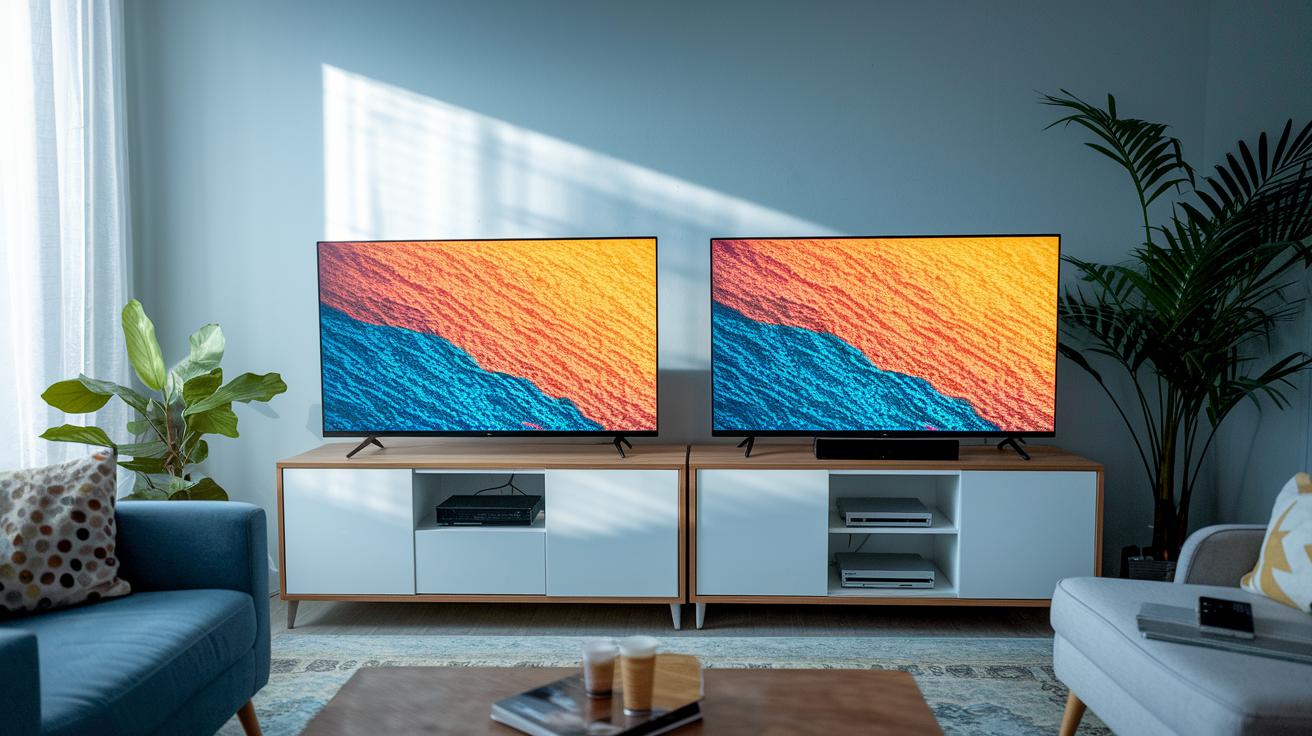
Entry-level 4K TVs are a smart pick if you're watching your budget. They usually run between $300 and $500 and come with 60 Hz panels that deliver clear visuals and basic HDR. These TVs have all the essentials for everyday use without straining your wallet, making them ideal if you need a dependable TV without extra bells and whistles.
For a step up, midrange models like QLED or Mini LED TVs are worth a look. Typically priced from $600 to $1,000 and often on sale, they offer brighter screens, better local dimming (which improves contrast), and richer color accuracy to enhance your viewing experience. During events like Black Friday or Prime Day, prices can drop by 20-40%, and refurbished or open-box models might provide even more savings with manufacturer warranties.
- Set up price alerts to catch drops during major sales.
- Check open-box deals from trusted retailers.
- Always review return policies before finalizing a purchase.
- Leverage seasonal sales for deeper discounts.
- Bundle with a soundbar for a complete home theater setup.
- Look at energy ratings to ensure long-term cost efficiency.
Timing your purchase during key sales and being mindful of warranty details can boost your value even more. Extended warranties or choosing a refurbished model with strong manufacturer support can help secure your investment while keeping overall expenses down.
TV Installation, Placement & Setup Guide
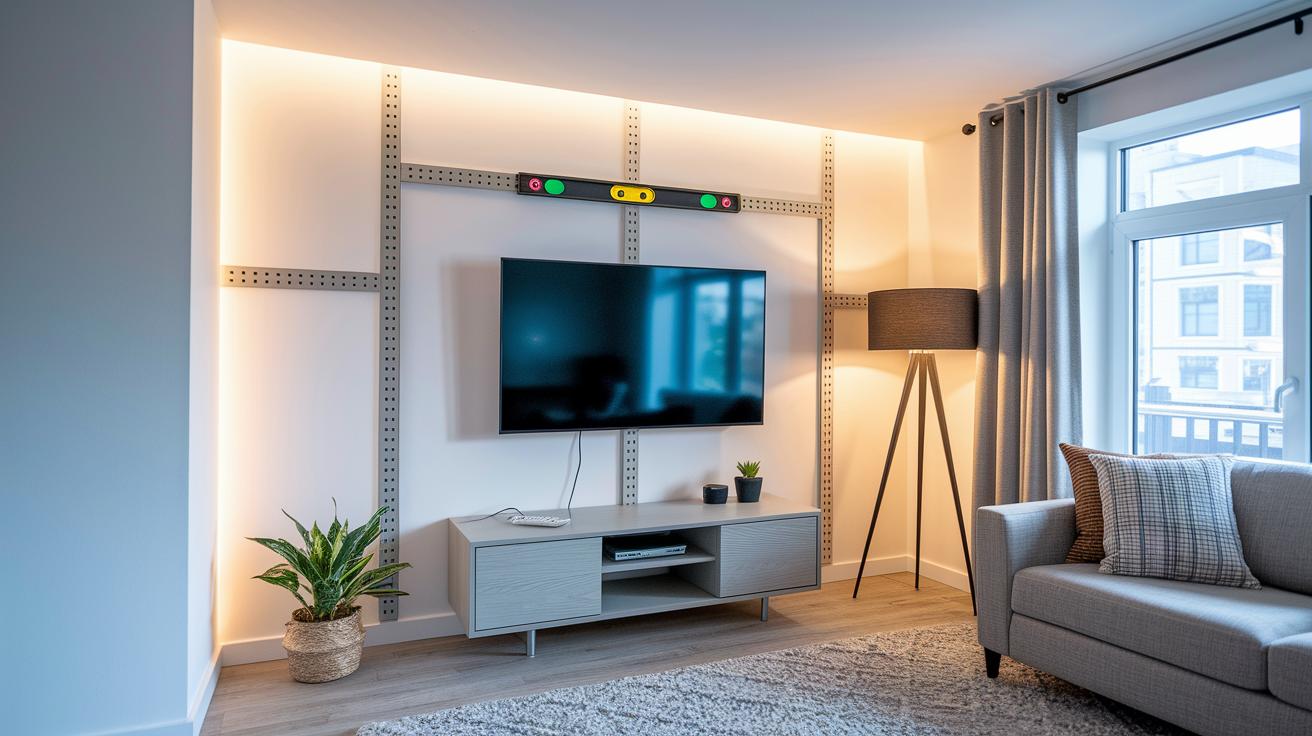
Setting up your TV properly can boost your viewing experience and help protect your investment. A good installation focuses on how you mount the TV, where you place its stand, and how you manage the cables. This not only looks neat but also keeps the TV working well.
Wall-Mounting Tips
Pick a UL-rated bracket that fits your TV's size and weight. Find the wall studs using a stud finder so you can secure the bracket firmly. Once you hang the TV, use a level to make sure it is straight, which helps reduce glare and keeps your setup looking sharp.
Stand-Placement Tips
If you use a stand, make sure the surface is deeper than the TV’s base so it can properly support the weight. Keep enough space around the TV for good air circulation. For extra safety, especially with small children or pets around, consider adding anti-tip straps.
Cable Management Solutions
Keep your cables organized by using raceways or in-wall cable kits. Fasten loose wires with zip ties and label them for easy identification later. This not only makes your setup look better but also protects your cables and ensures proper airflow.
After the TV is installed, take a few minutes to calibrate your picture settings like brightness, contrast, color, and motion smoothing. This step helps you get the best performance from your new setup.
TV After-Sales Support, Warranty & Longevity Guide
Most TVs come with a basic 1 to 2-year warranty, and you can often extend coverage for issues like panel defects or burn-in on OLED screens. Burn-in (when a static image leaves a faint mark on the screen) is quite rare if you use screen savers or take advantage of pixel-shifting, which moves the image slightly to prevent marks. Before you buy, check consumer ratings and reliability scores from trusted sources that compare models from Sony, LG, Samsung, and others. For more technical details on panel durability, refer to guides like "how long do oled tvs last." These reviews help you feel confident about the TV’s build quality over time.
Keeping your TV updated is essential. Regular firmware updates improve performance and often add new streaming apps. By following customer support channels and using user-rating platforms, you can get real-world insights into how reliable the TV is over its lifetime. This practical feedback shows just how well the TV will perform day after day.
Final Words
In the action, this guide breaks down the key areas of display, resolution, size, and smart features. We compared LCD and OLED options, weighed budget-friendly models against premium picks, and discussed the best features for gaming and cinematic appeal.
We also spotlighted practical installation tips and after-sales support to ensure a smooth setup and lasting performance.
This tv buying guide gives you clear, measured advice to help you buy with confidence and enjoy every viewing moment.
FAQ
What is TV buying guide reddit?
The TV buying guide reddit refers to community-based advice on forums, where users share real-world experiences and recommendations, helping buyers navigate models, prices, and feature comparisons.
What should I expect from a TV buying guide 2025?
The TV buying guide 2025 outlines upcoming trends, anticipated feature enhancements, and pricing insights, helping buyers prepare for next-generation display technologies and smart features.
How does a TV buying guide address viewing distance?
The TV buying guide distance explains how to match screen size with your seating distance, ensuring optimal clarity and viewing comfort by suggesting proportional sizes for different rooms.
How does a TV buying guide help with screen size selection?
The TV buying guide size advises on choosing the right TV dimensions based on room layout, helping balance immersion with comfort to avoid an underwhelming or overwhelming viewing experience.
What does a Samsung TV buying guide cover?
The Samsung TV buying guide focuses on model-specific features like display technologies, smart interfaces, and audio systems, guiding buyers toward models that suit their viewing needs.
What insights does a smart TV buying guide offer?
The smart TV buying guide reviews built-in streaming apps, connectivity options, and operating systems, helping buyers compare interfaces and overall ease of use to select the best fit.
What is the “What TV Should I Buy” quiz about?
The What TV Should I Buy quiz is an interactive tool that suggests models based on your preferences, such as room size, usage, and budget, making the selection process simpler.
How does a TV buying guide for room size assist buyers?
The TV buying guide for room size explains which TV dimensions work best in various spaces, matching screen size to room layout to ensure an immersive yet comfortable viewing experience.
What should I know about Samsung soundbars when upgrading my TV audio?
Samsung soundbars, including models like HW-S801B, HW-Q800C, and HW-Q990F, offer enhanced audio features such as Dolby Atmos and surround sound, improving your home theater’s audio performance.
